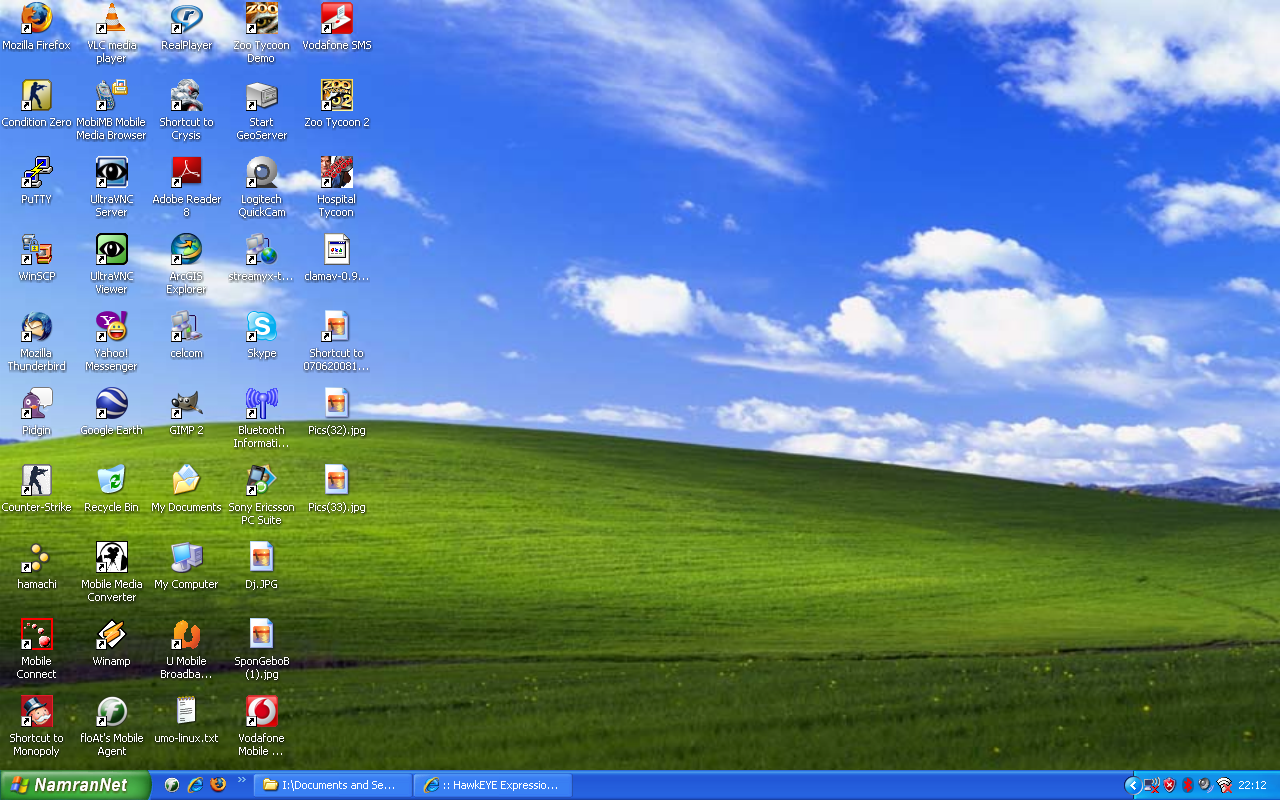
use resource hack
then edit load the copied explorer.exe
go to String Table.
item no 37 and the 1033
replace the 578, “Start” with something as such 578, “NamranNet”
and recompile it with the new name..
then fired up regedit.
goto this key..
HKEY_LOCAL_MACHINE\ SOFTWARE\ Microsoft\ Windows NT\ CurrentVersion\ Winlogon
and select ..
Shell
replace Explorer.exe with the new explorer.exe i.e namran.exe
reboot the machine..
p/s : make sure theme is not the basic but the standard windows xp at least.
try change the theme to silver if still not able to see…