Yes.. CentOS 5.4 has been released..!!
Managed to download LiveCD iso instead of i386 DVD iso..
Connection somehow not “up to the expectation” [thestar.com.my] ..
so have to wait about another 13hours to complete DVD iso direct download.. :)
By the way.. let’s see the Screenshot from the CentOS 5.4 Live..
(Firefox 3.0.12 look like the same.. )
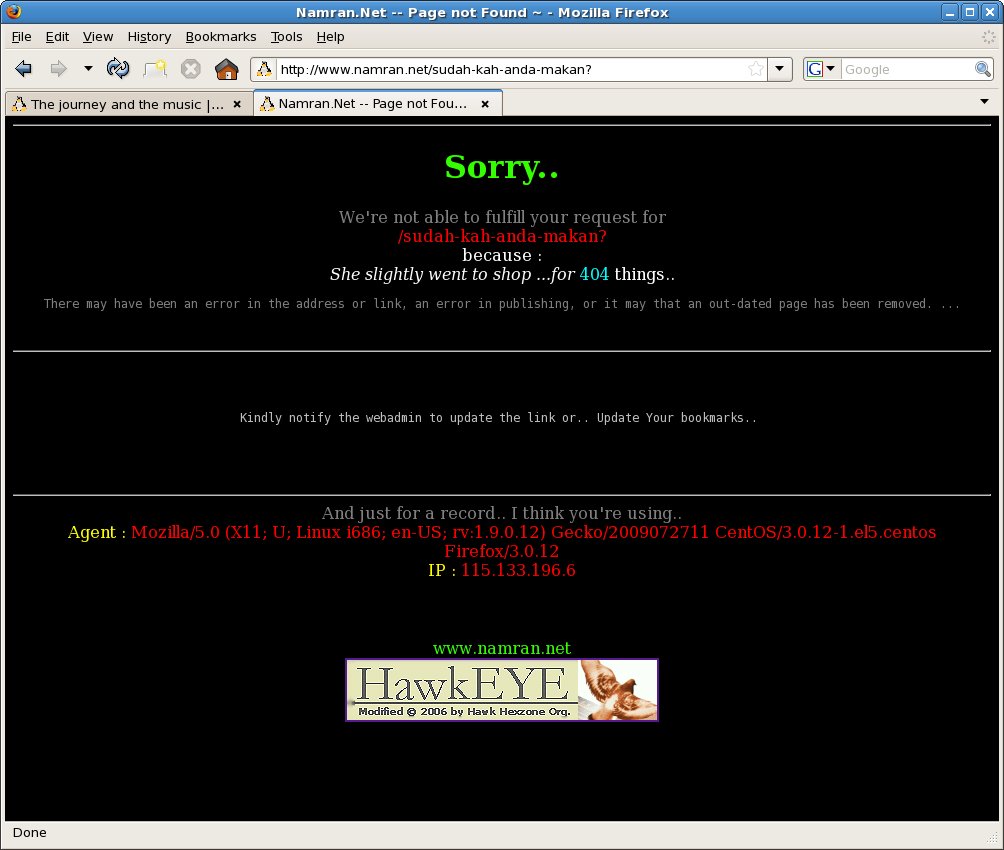
I did this to test my notebook , Dell Latitude D630 ..
someone said it would have problem for nvidia based graphic card..
but when I just put in CD ..
boot up from LiveCD..
Gnome work flawlessly ..
with the /etc/X11/xorg.conf generated as below :
[root@livecd tmp]# cat /etc/X11/xorg.conf

# Xorg configuration created by system-config-display

Section "ServerLayout"
        Identifier     "Default Layout"
        Screen      0  "Screen0" 0 0
        InputDevice    "Keyboard0" "CoreKeyboard"
        InputDevice    "Synaptics" "CorePointer"
EndSection

Section "InputDevice"
        Identifier  "Keyboard0"
        Driver      "kbd"
        Option      "XkbModel" "pc105"
        Option      "XkbLayout" "us"
EndSection

Section "InputDevice"
        Identifier  "Synaptics"
        Driver      "synaptics"
        Option      "Device" "/dev/input/mice"
        Option      "Protocol" "auto-dev"
        Option      "Emulate3Buttons" "yes"
        Option      "LeftEdge" "120"
        Option      "RightEdge" "830"
        Option      "TopEdge" "120"
        Option      "BottomEdge" "650"
        Option      "FingerLow" "14"
        Option      "FingerHigh" "15"
        Option      "MaxTapMove" "110"
        Option      "VertScrollDelta" "20"
        Option      "HorizScrollDelta" "20"
        Option      "MinSpeed" "0.3"
        Option      "MaxSpeed" "0.75"
EndSection

Section "Device"
        Identifier  "Videocard0"
        Driver      "nv"
EndSection

Section "Screen"
        Identifier "Screen0"
        Device     "Videocard0"
        DefaultDepth     24
        SubSection "Display"
                Viewport   0 0
                Depth     24
        EndSubSection
EndSection
Hmm.. then time to test.. play with it a bit..
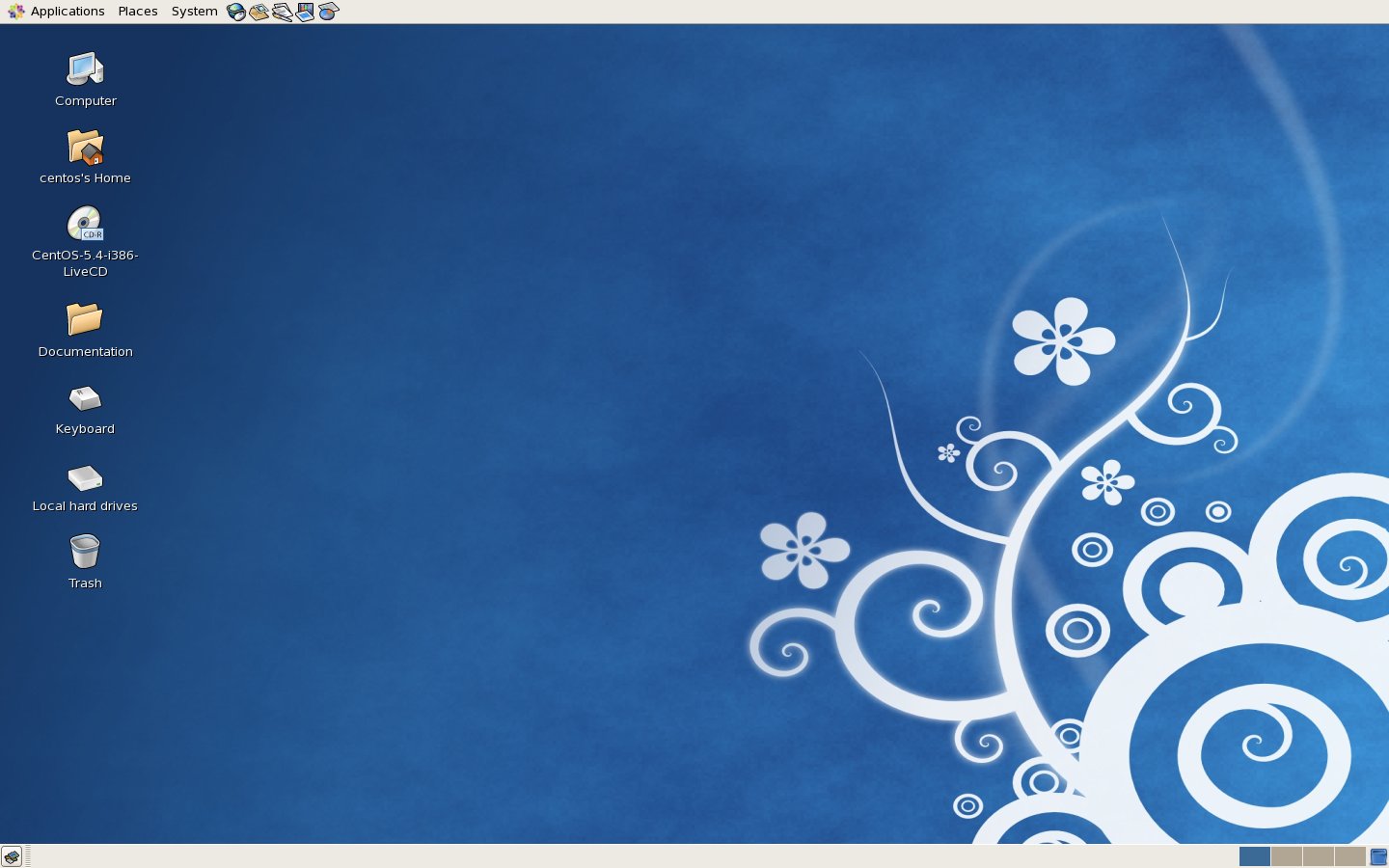
the Desktop look like this during boot up..
then the first thing to look into is “Internet Menu”.. (always wondering what would they put in here)
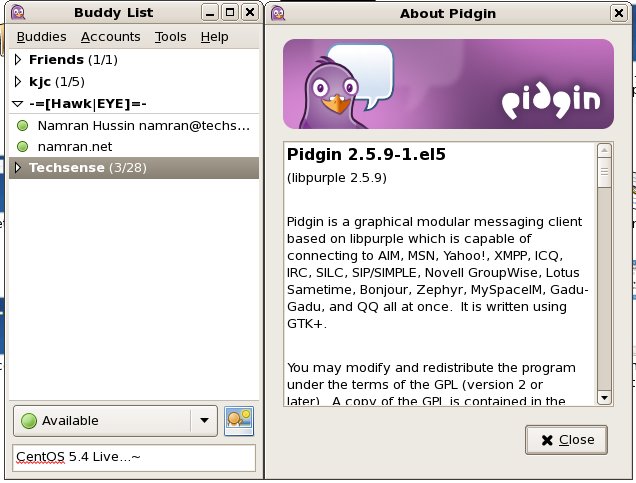
ok.. now try to get online on “Pidgin”?
then would be a “Office” thingy…
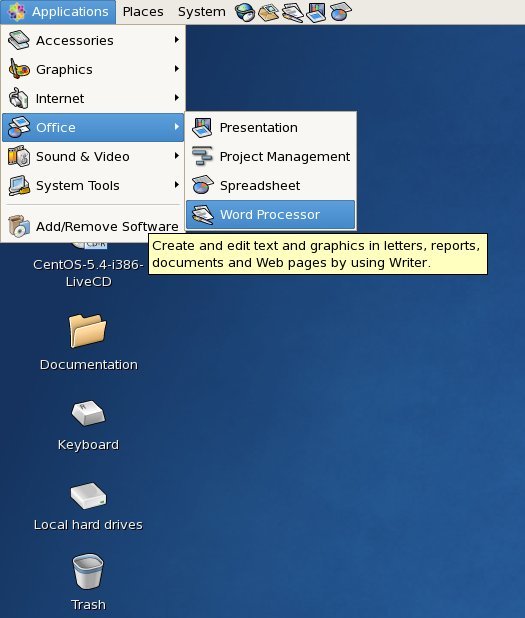
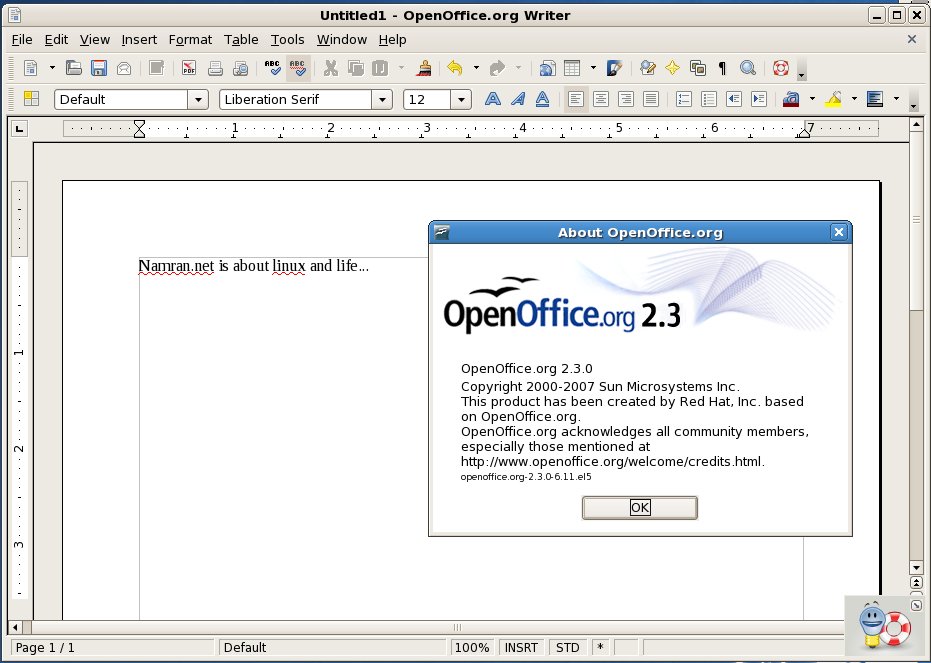
Somehow is still delivering OpenOffice 2.3 instead of 3.0 … :0
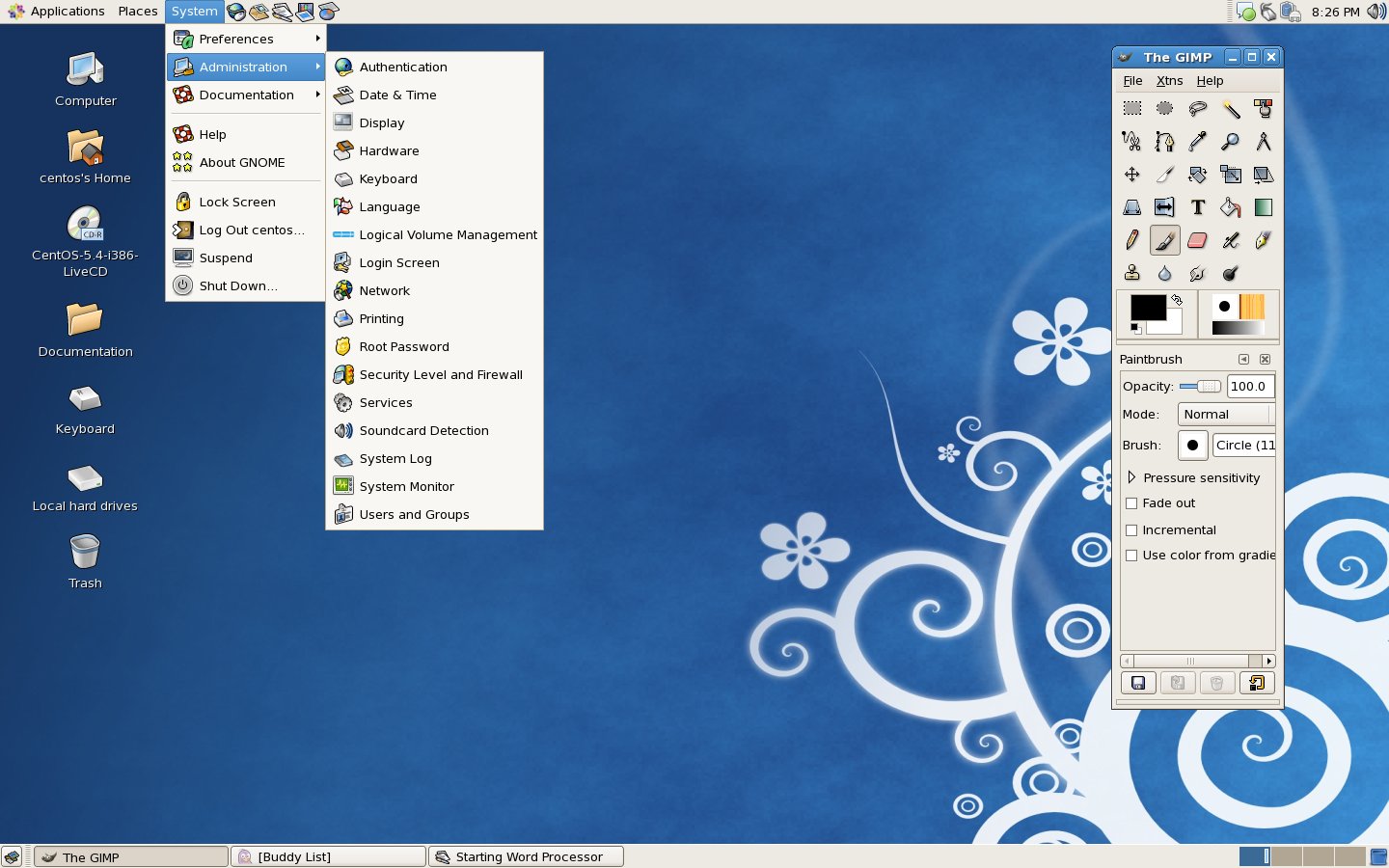
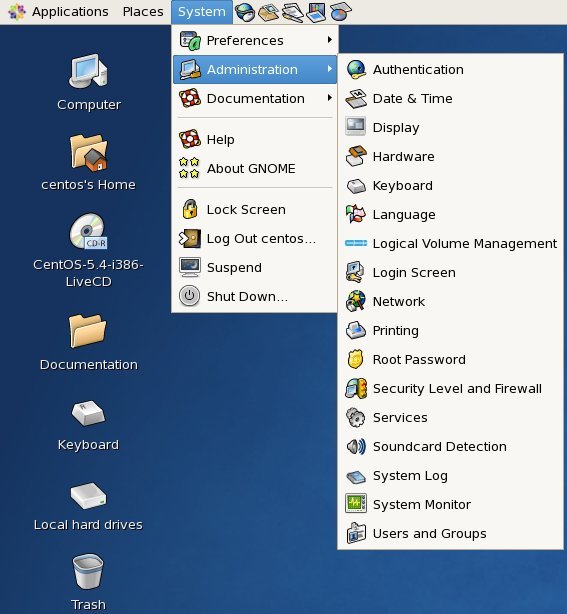
Then.. the “Administration” menu..
I only want to get into this menu.. hehe :)
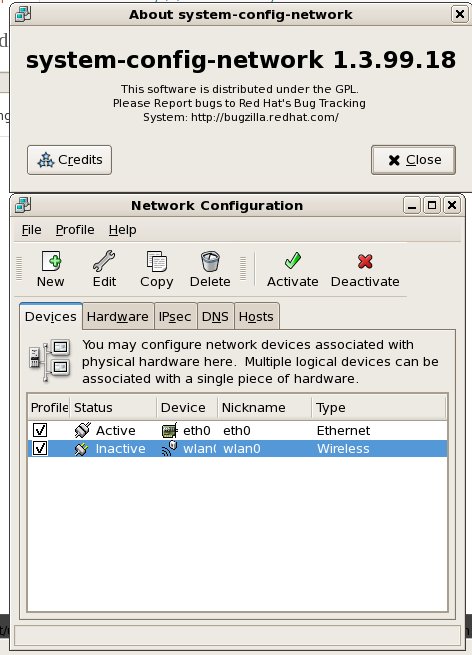
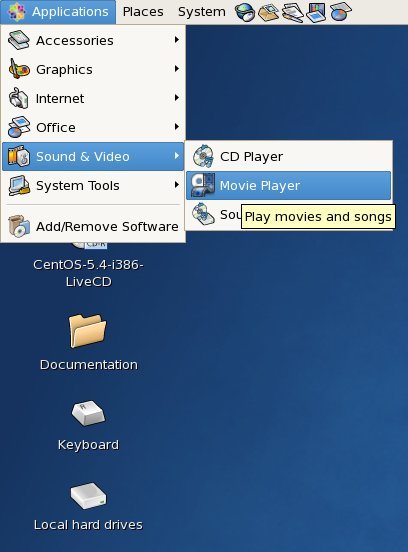
Then let’s test the sound..
Oh.. let’s play some youtube video..
as expected it need flash.. ..
at first got prompt to “Search” for plugin.. but at the end its failed.. and give option to “Manual” install.. hahaha..
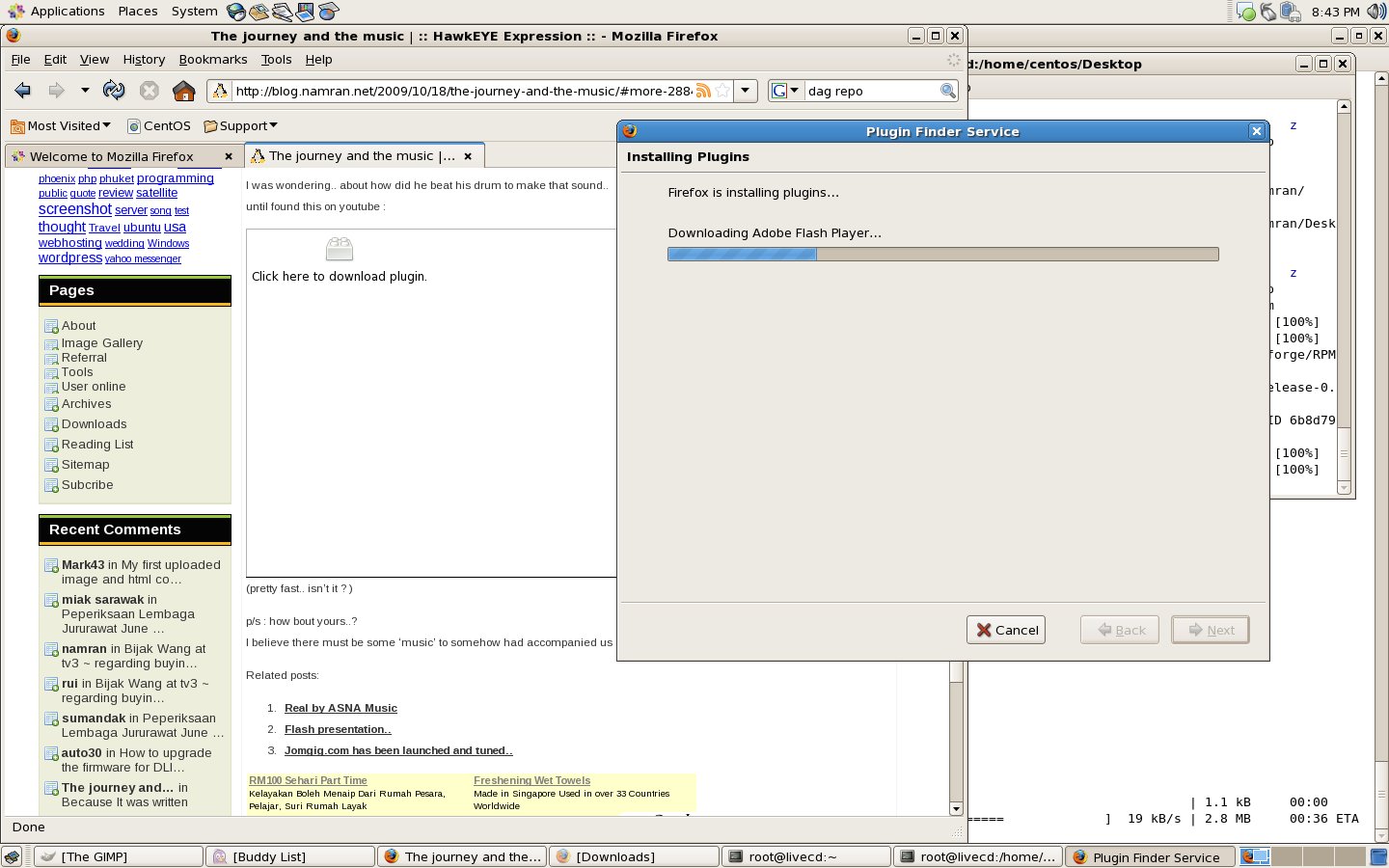
Hmmm. to get around it..
Download flash “rpm package” from Adobe website..
then double click the rpm.. or using terminal..
rpm -ivh flash-plugin-10.0.32.18-release.i386.rpm

then.. i was tempted to get my wifi to work on this ..
Install DAG repo..
rpm -Uhv http://apt.sw.be/redhat/el5/en/i386/rpmforge/RPMS/rpmforge-release-0.3.6-1.el5.rf.i386.rpm
get the firmware for my wifi ..
yum install iwl3945-firmware.noarch
that’s it..
modprobe -r iwl3945
modprobe iwl3945
dmesg
would show something like this.. :)

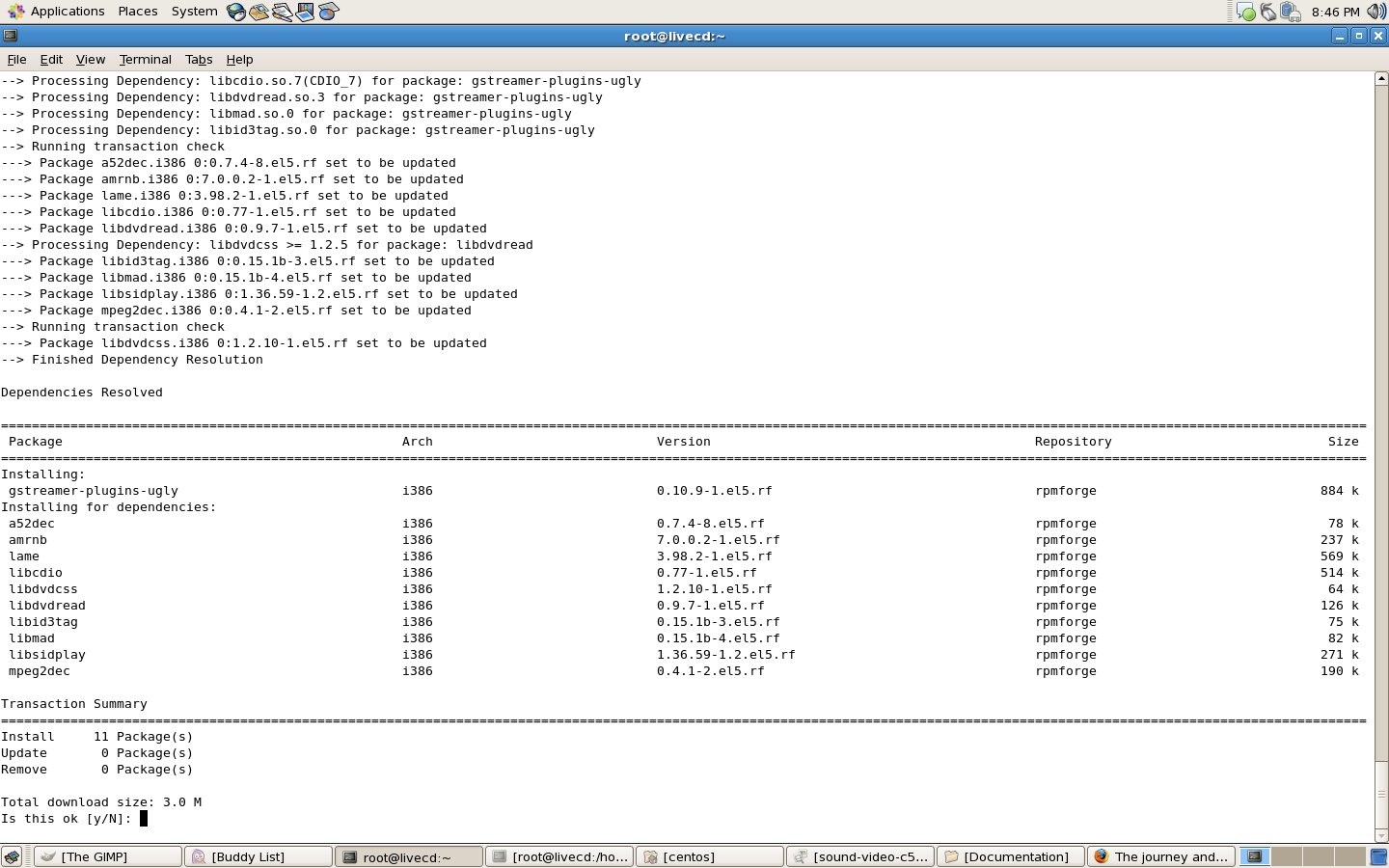
then.. to get its able to play mp3 files.. just need to :
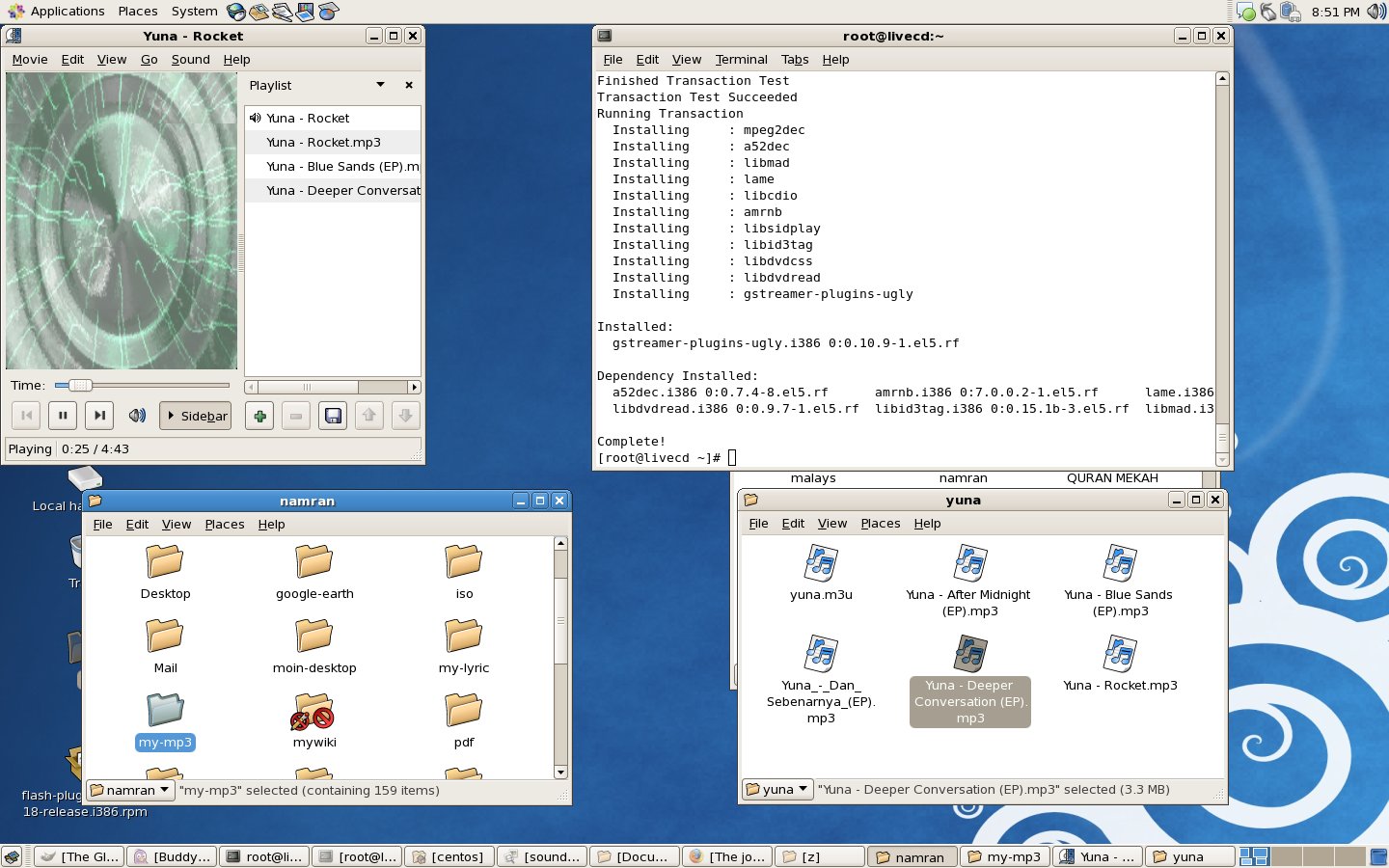
yum install gstreamer-plugins-ugly
or should I put it as “How to get mp3 work in CentOS 5.4” ?
woohoo..then after that can play my favourite mp3s.. on default player in CentOS 5.4..
and to get NTFS support.. to mount NTFS partition..
just need to …
yum install ntfs-3g

back to work…
eh..wait..let’s see if the DVD have complete download..
vncviewer hostname:port
(CentOS 5.4 LiveCD come with vncviewer !!.. so great..)
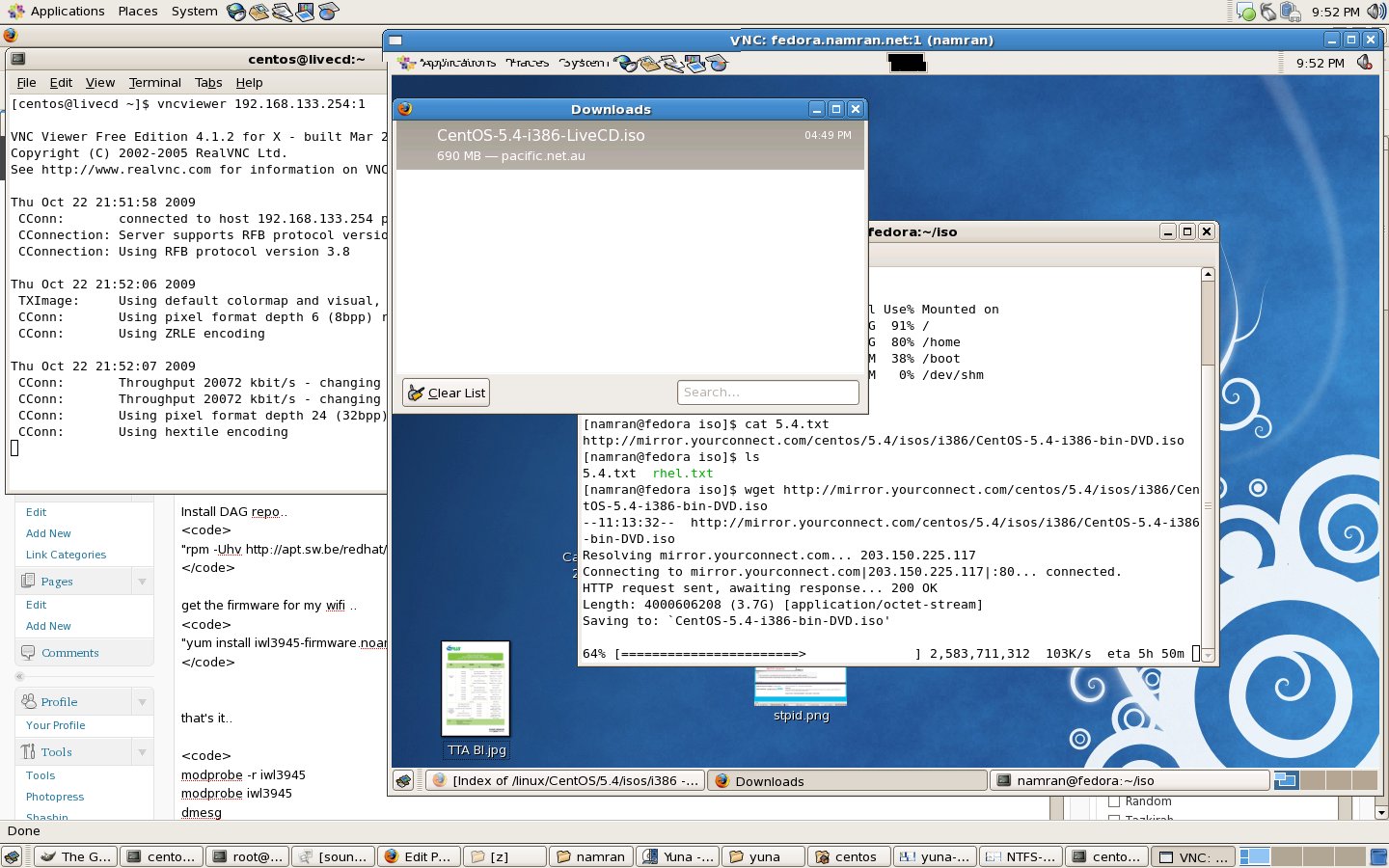
… *sigh* have to wait another 5hours or so before can taste “real” CentOS 5.4..
p/s : is there anyone else downloading *this* at the moment .. ? no complaint ? hahahahaha ( i doubt.. )
Leave a Comment