First of all download the iso from http://www.ubuntu.com/getubuntu/download
Once got into cd or just use vmware to test installation.
then proceed with the next step..
[ad#postad]
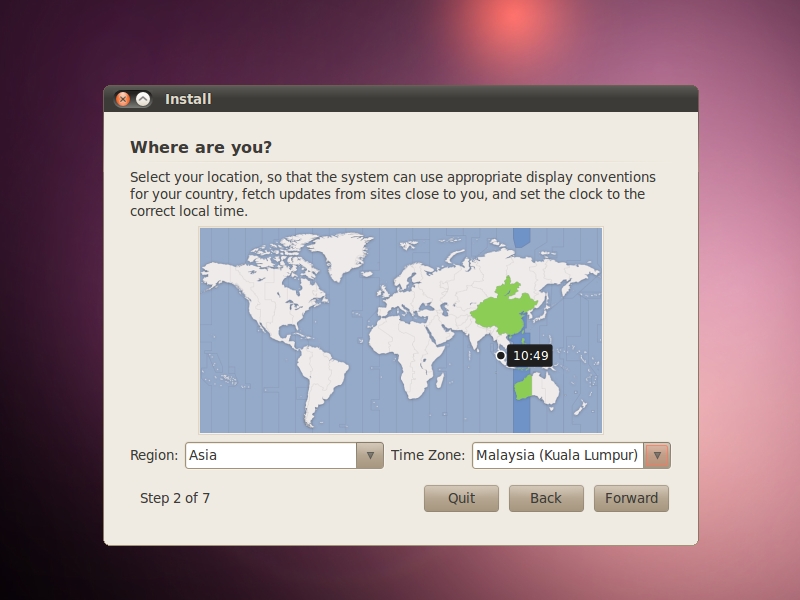
Where am I ?.. oh.. earth! (Purple instead of br0wn..)
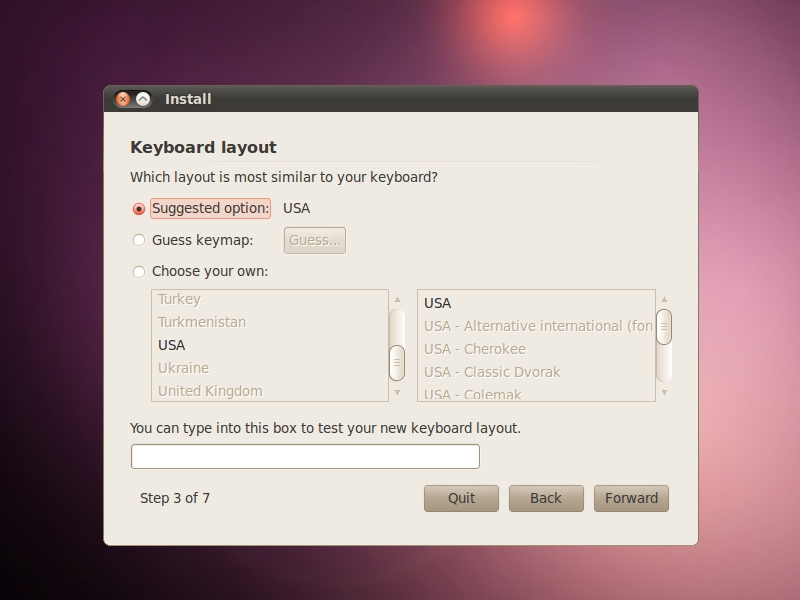
Keyboard layout.. : US..
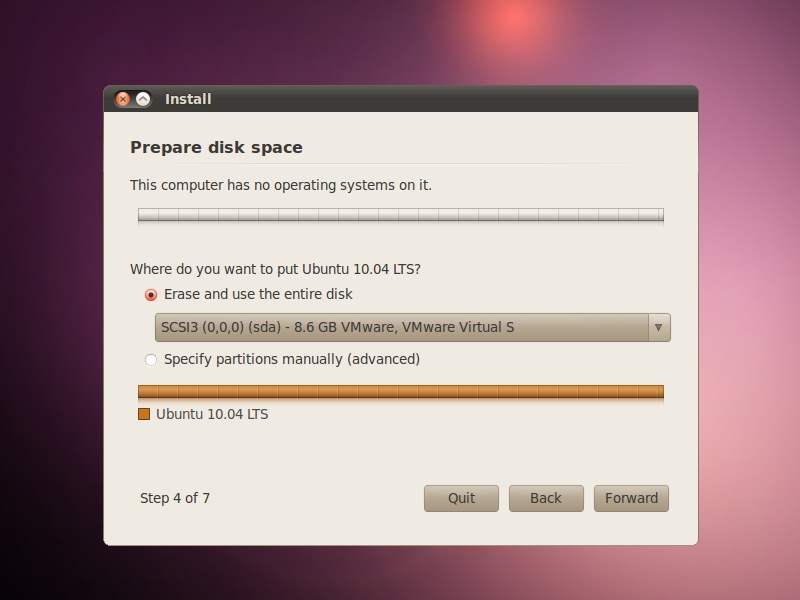
Disk space : .. again.. by default is removing the whole partition on disk !! ( be careful )
Wh0 am I ? ..

Ready to install … yay !

then .. that’s it.
its shall then started the installation process..
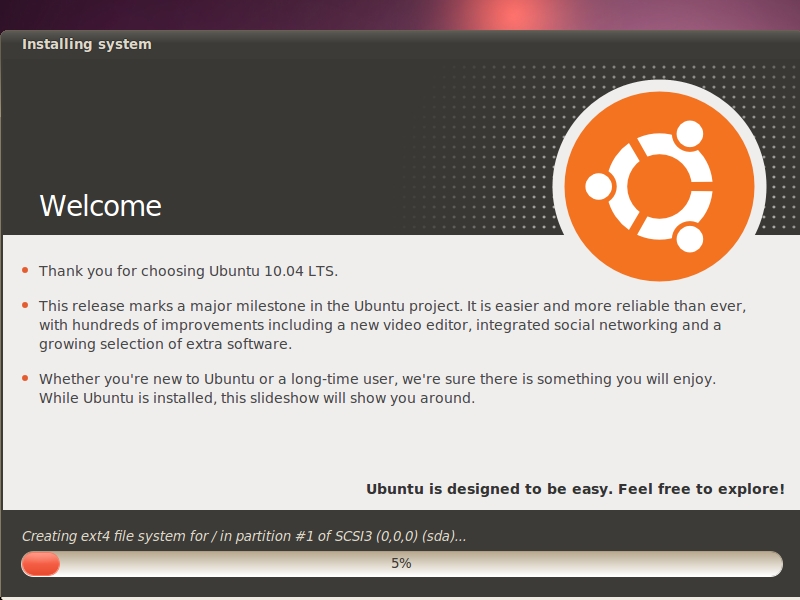
wait.. till it finish..
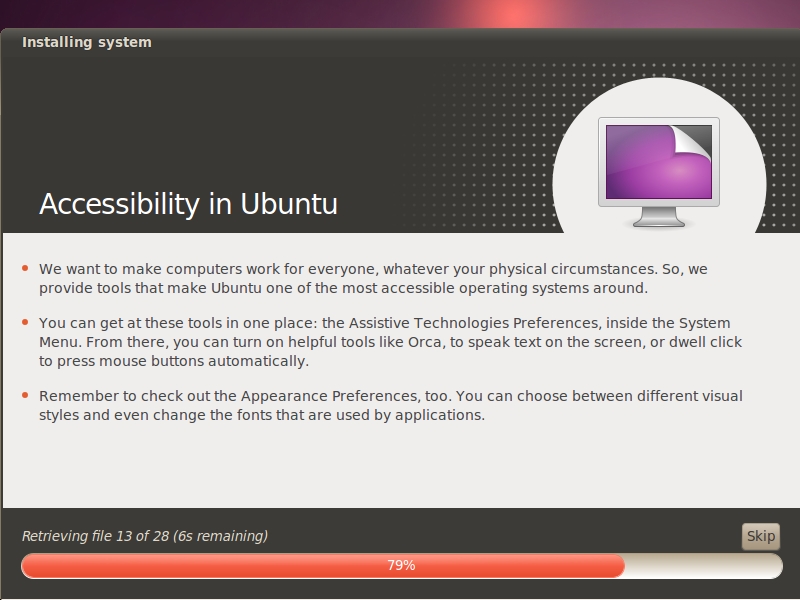
.. first boot.
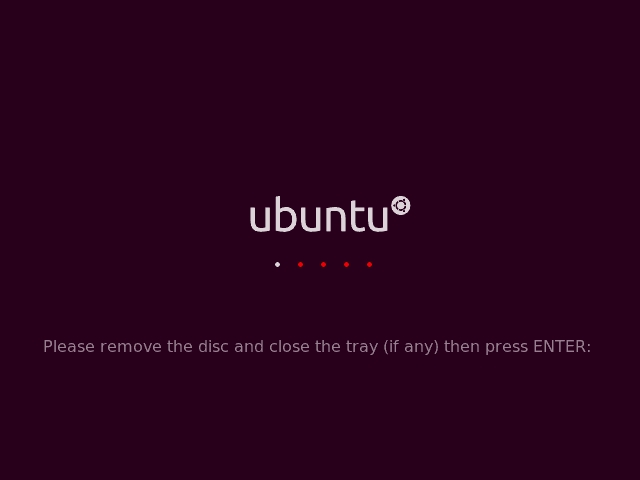
Opss.. remove the disc first..
Login screen :.. purplish … !
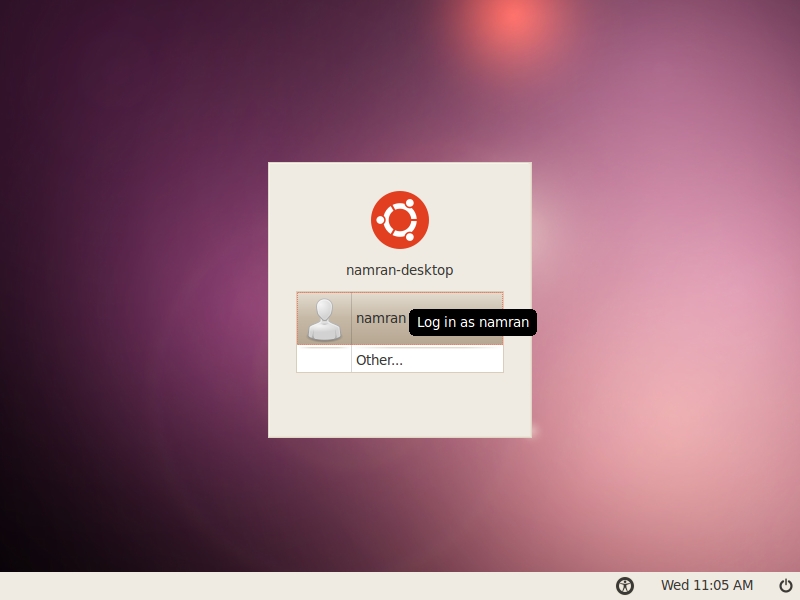
Shiny new Ubuntu 10.04 Desktop ..
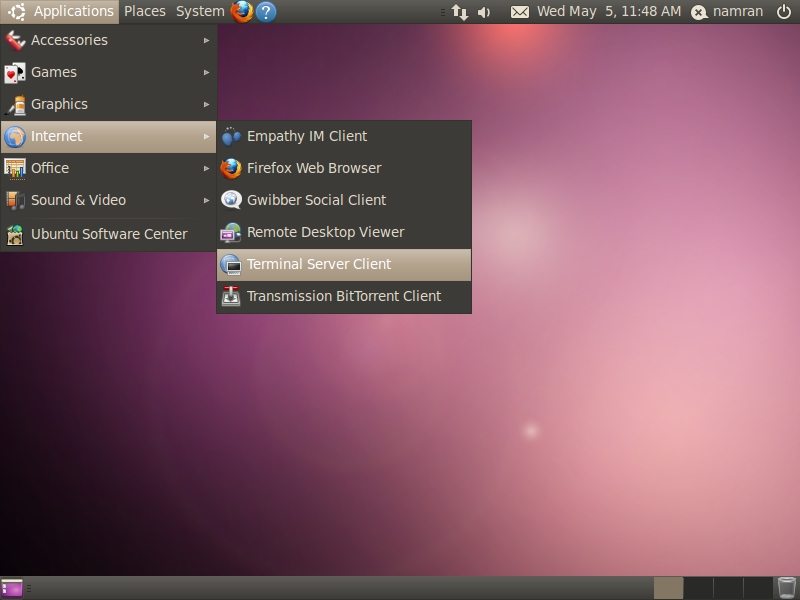
First Gtalk message over Ubuntu 10.04

p/s : .. booting up and shutting down of Ubuntu 10.04 .. is noticeable FAST!