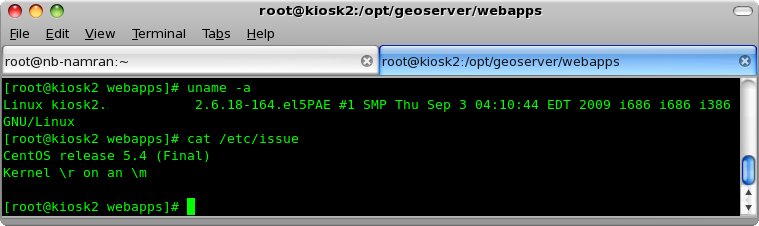
I was reinstalling some old system on new O/S.. CentOS release 5.4 (Final)
before this I think was older version.
After few time restarting Geoserver , no luck..
I tried the manual run of the script as follows :
export JAVA_HOME=$JHOME; export GEOSERVER_HOME=/opt/geoserver;export GEOSERVER_DATA_DIR=/opt/geos_shapefiles; /bin/sh $GEOSERVER_HOME/bin/startup.sh > /dev/null 2>1&
it complaining something about java.. then I remembered last time,
there is not using default java shipped with CentOS.
Did a quick check and remove that one..
  rpm -qa | grep java
  yum remove java-1.6.0-openjdk-1.6.0.0-1.2.b09.el5
followed by reinstallation of packages of old version of java..
rpm -Uvh java-1.6.0-sun-* libXp-1.0.0-8.1.el5.i386.rpm
restarting ..
service geoserver restart
and it works !
so , stick to old ones..
Here are five key communication skills that help you speak with clarity and influence: Speak…
Are you ready to unlock your full potential as a man?Discover powerful insights, real-life transformations,…
One day we will set aside one whole day to review the whole lesson we…
Last weekend, 07/12/2024 I managed to join Dev Fest Kuala Lumpur 2024, organized by Google…
TIPS BACAAN AL-QURANOleh: Dr. Muhd al-Muhaysni.1. Jangan engkau berikan (fokus membaca) al-Quran pada lebihan waktumu…
Selawat yang ringkas, yang mana apabila kamu membacanya satu kali sebanding 100 ribu kali, jadi…
Leave a Comment