Sometime the font display look sluggish on display.
Especially when we tried to run some X based GUI from remote.
There are possibly many other way to make it look nicer.
But this time I just want to make use of anti-aliasing for font .
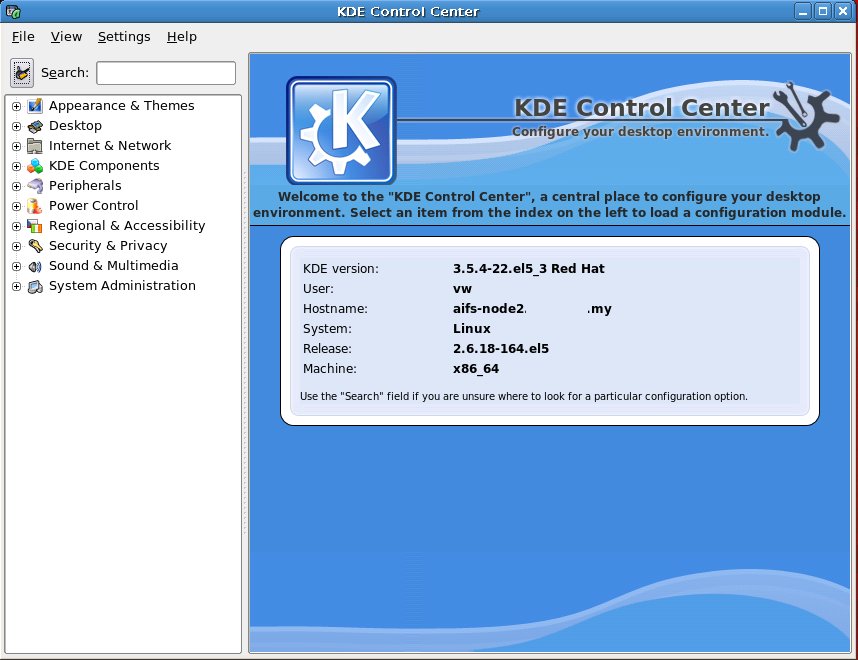
and using KDE Control Center to change it.
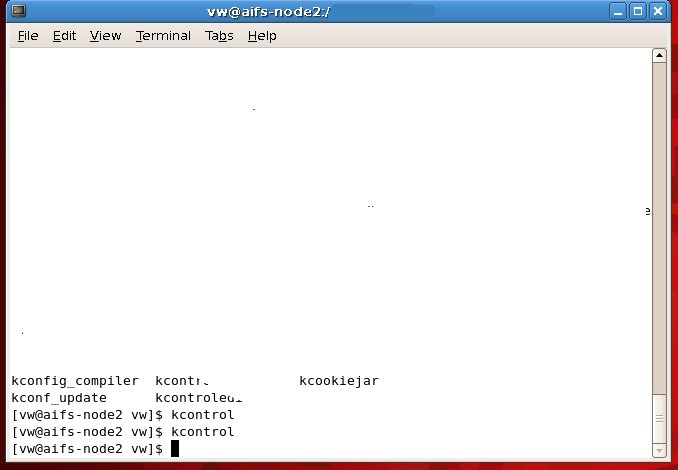
okay.. using terminal , just type
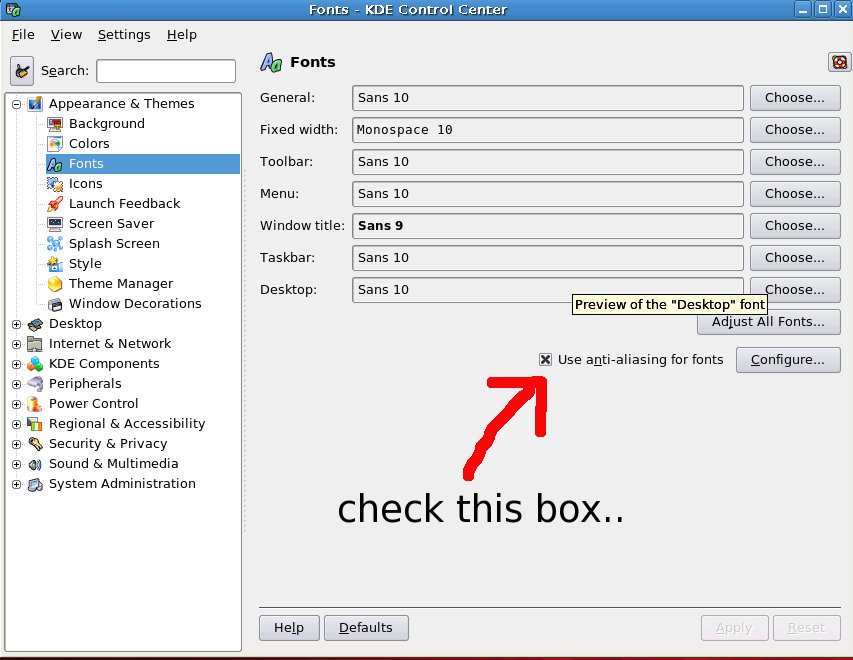
then look for “Appearance & Themes -> Fonts”
check the box “Use anti-aliasing for fonts”.
And that’s it.
you might need to restart the X11 server for once.
p/s : I am not quite sure how to do this in Gnome session.
but once changed using this “kcontrol” , the gnome session also affected and improved too..
Here are five key communication skills that help you speak with clarity and influence: Speak…
Are you ready to unlock your full potential as a man?Discover powerful insights, real-life transformations,…
One day we will set aside one whole day to review the whole lesson we…
Last weekend, 07/12/2024 I managed to join Dev Fest Kuala Lumpur 2024, organized by Google…
TIPS BACAAN AL-QURANOleh: Dr. Muhd al-Muhaysni.1. Jangan engkau berikan (fokus membaca) al-Quran pada lebihan waktumu…
Selawat yang ringkas, yang mana apabila kamu membacanya satu kali sebanding 100 ribu kali, jadi…
Leave a Comment