Same as the others, get into BIOS..
set it to boot from DVD/CD drive..
insert the media..
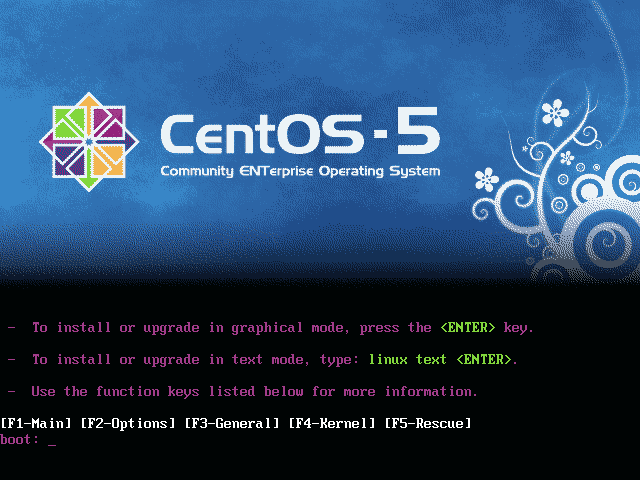
wait until this boot menu appear.
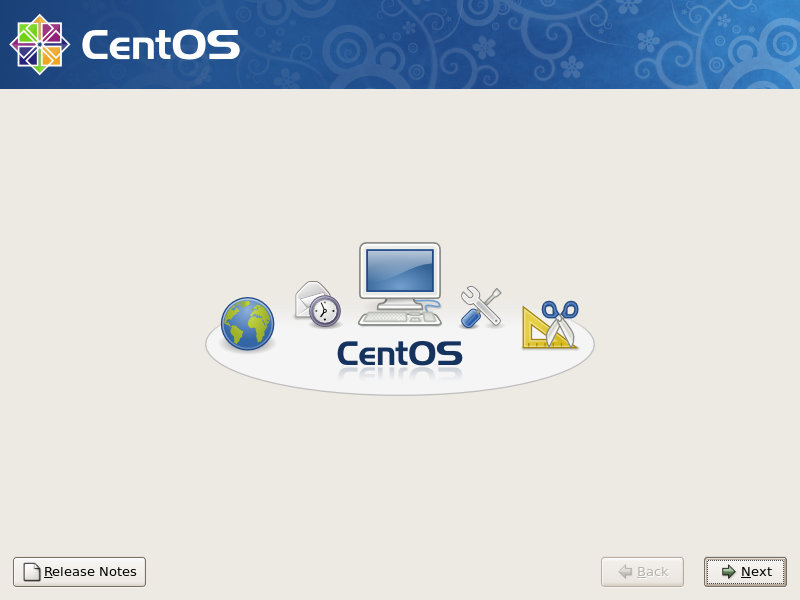
press enter .. it shall start and eventually shows this ..
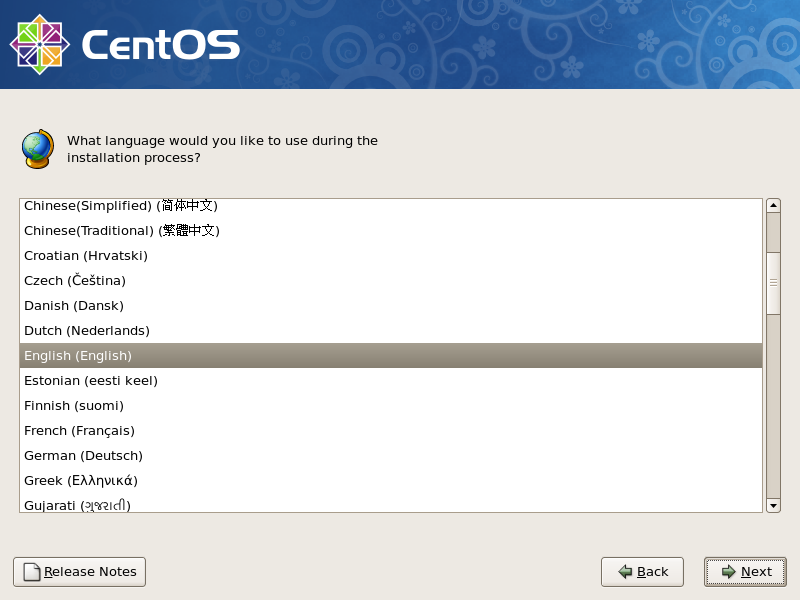
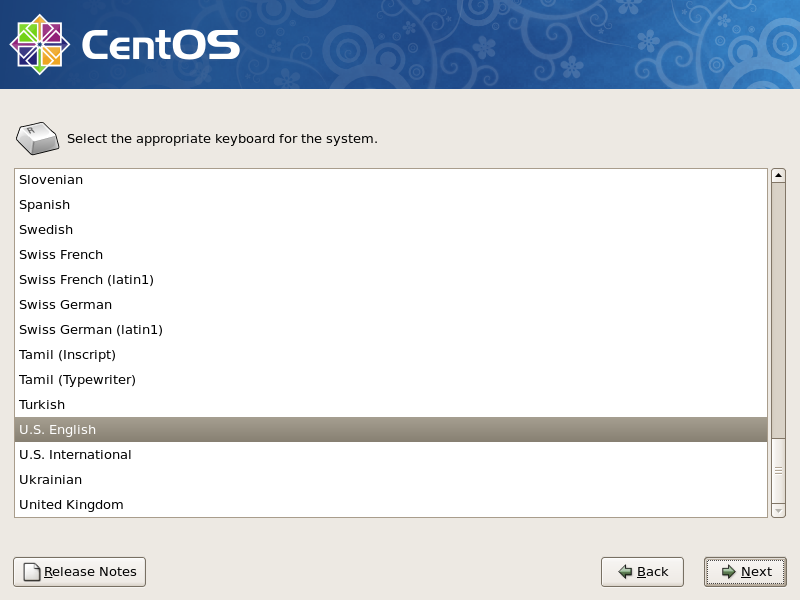
answering few question correctly depend on your environment..
[ad#postad]
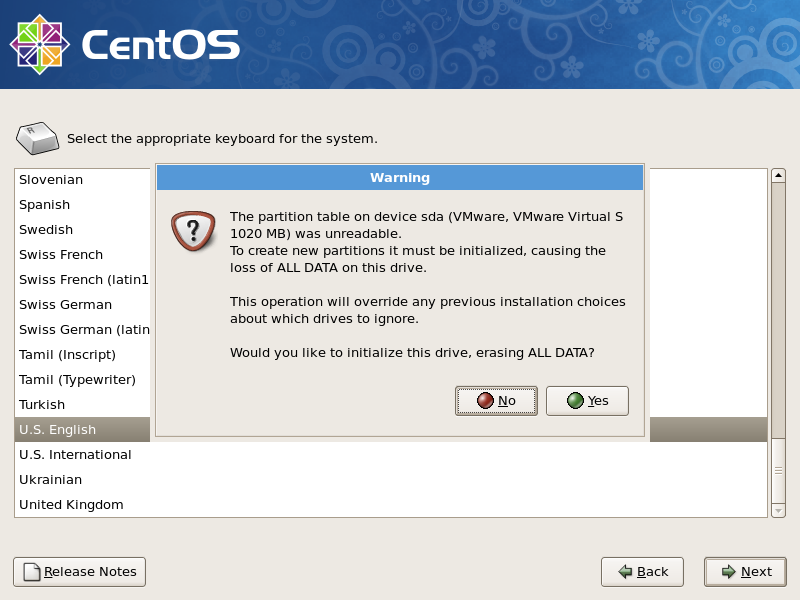
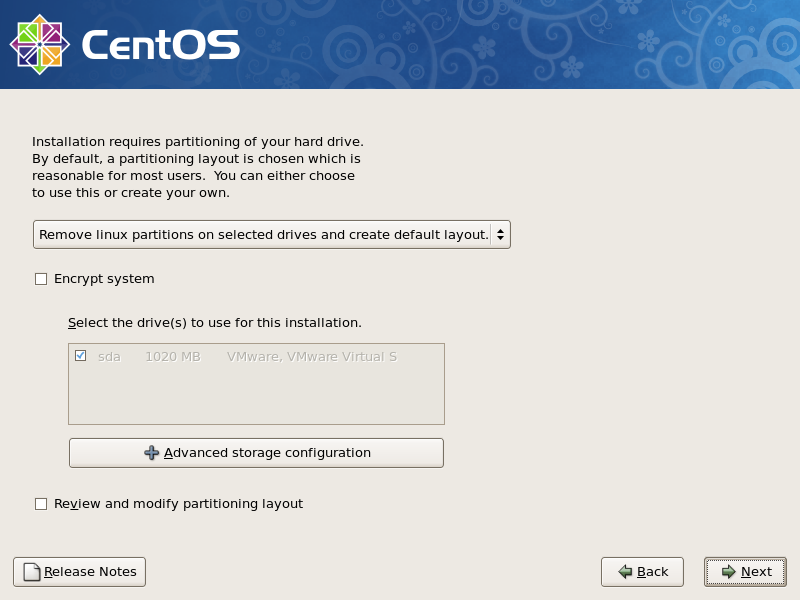
Depend on your hardisk size.. something like this will appear if inserted completely new hardisk..
be careful of setting up the partition and all.. as it tend to cause a lot of headache if messed up here.. 8-)
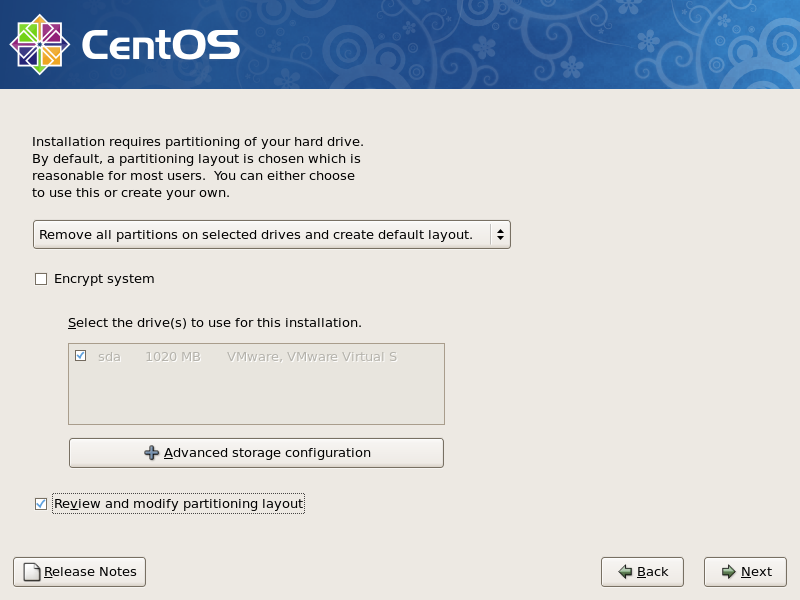
Notice the additional tick box.. Encrypt system. hehehe. this would have additional layer of data security..
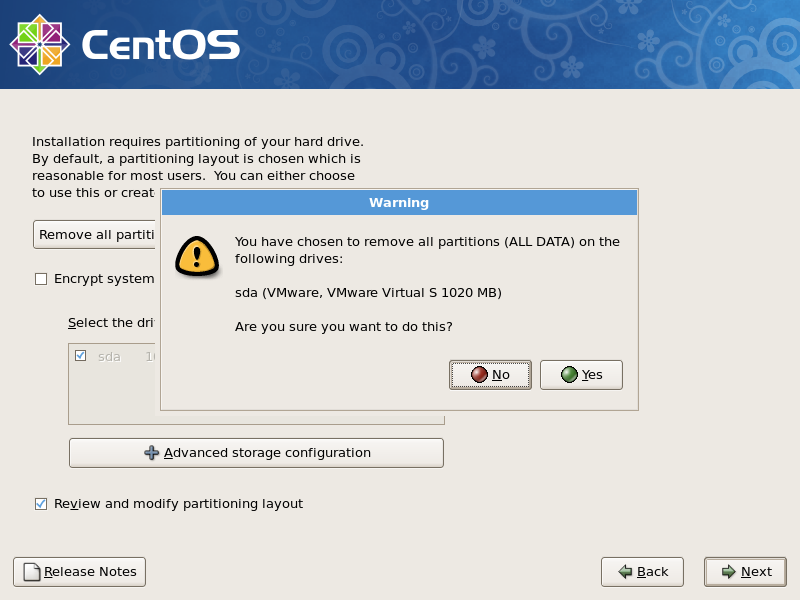
yes.. rite.. it will asked again to re-confirm..
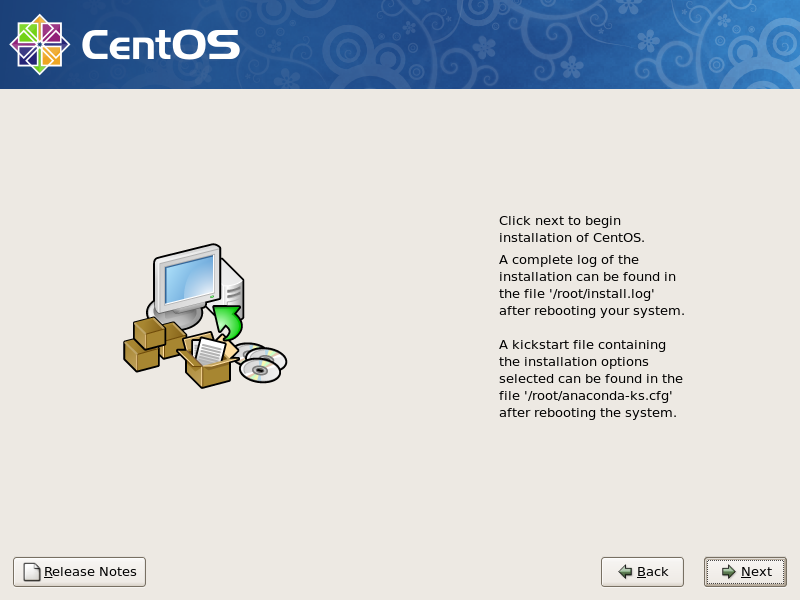
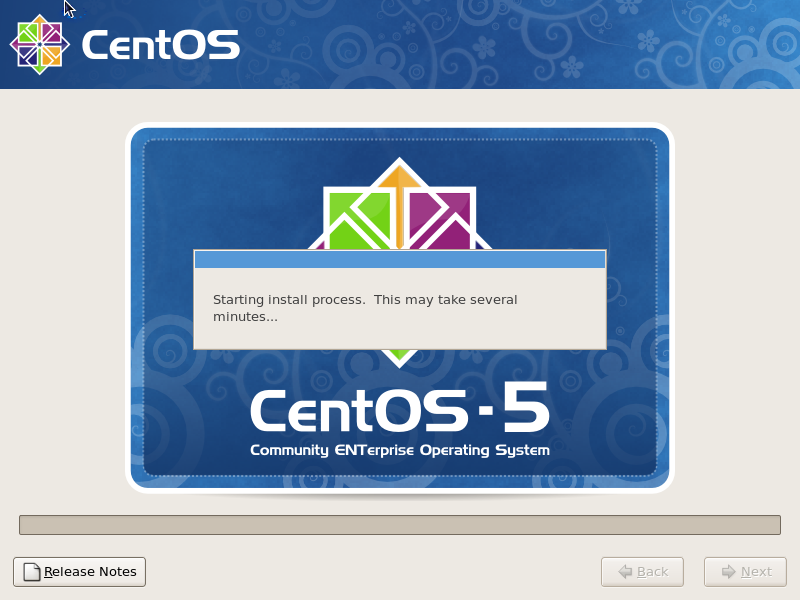
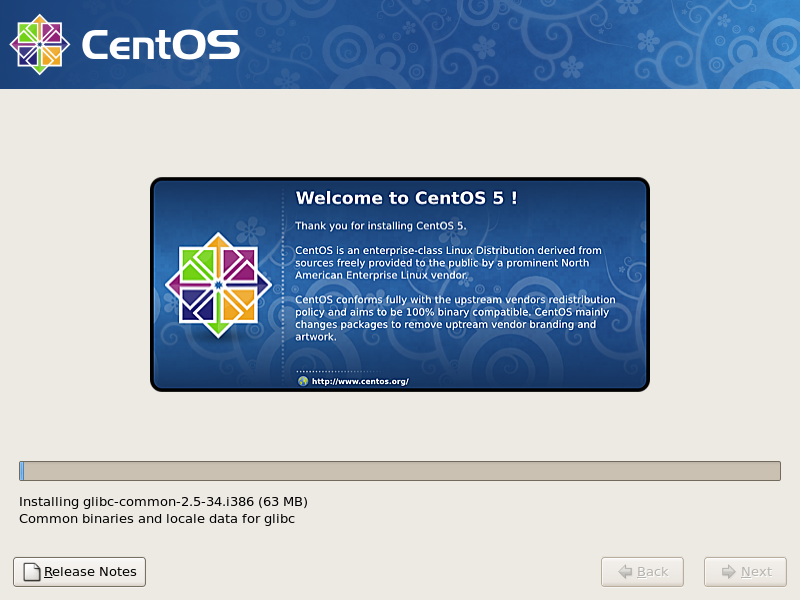
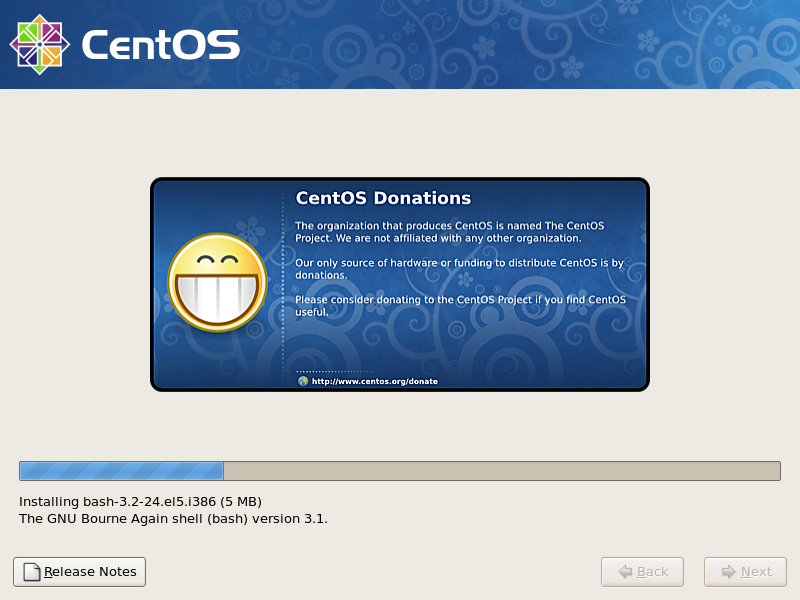
then.. its ready to start..
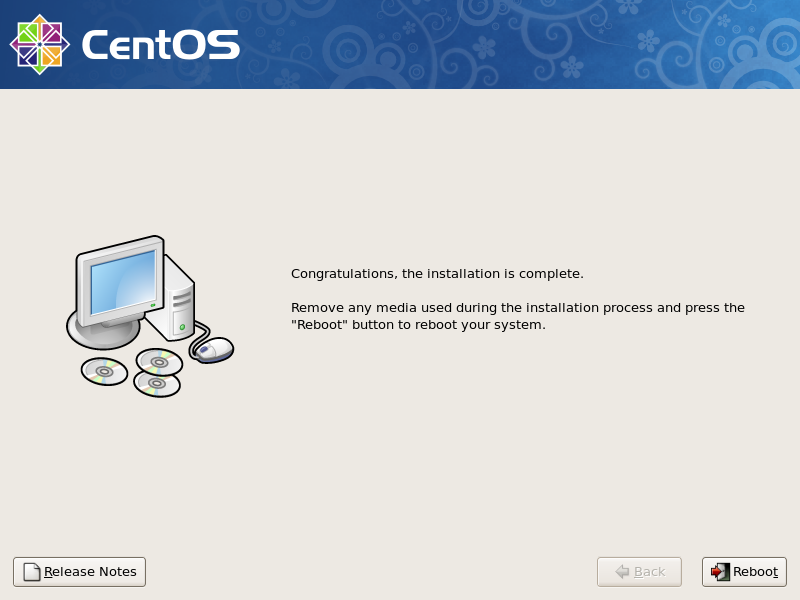
after reboot.. first time boot up it will generate the SSH RSA keys and all.. and will have something like here
p/s : for minimal install, unselect ALL package from the Packages Option.. and it will continue to install will the minimal installation that it need to run.
Here are five key communication skills that help you speak with clarity and influence: Speak…
Are you ready to unlock your full potential as a man?Discover powerful insights, real-life transformations,…
One day we will set aside one whole day to review the whole lesson we…
Last weekend, 07/12/2024 I managed to join Dev Fest Kuala Lumpur 2024, organized by Google…
TIPS BACAAN AL-QURANOleh: Dr. Muhd al-Muhaysni.1. Jangan engkau berikan (fokus membaca) al-Quran pada lebihan waktumu…
Selawat yang ringkas, yang mana apabila kamu membacanya satu kali sebanding 100 ribu kali, jadi…
View Comments
Thanks for installing CentOS guide
It is very good artical, but it didn't contain the information about how to install CentOS 5.3 on Windows OS like win 7 if it is already installed it.
thanks