Namran Hussin Linux CentOS 5.3 screenshot

CentOS 5.3 screenshot

Upgraded mine from CentOS 5.2 to CentOS 5.3.. by performing..

yum update -y --exclude openoffice.*

and reboot..

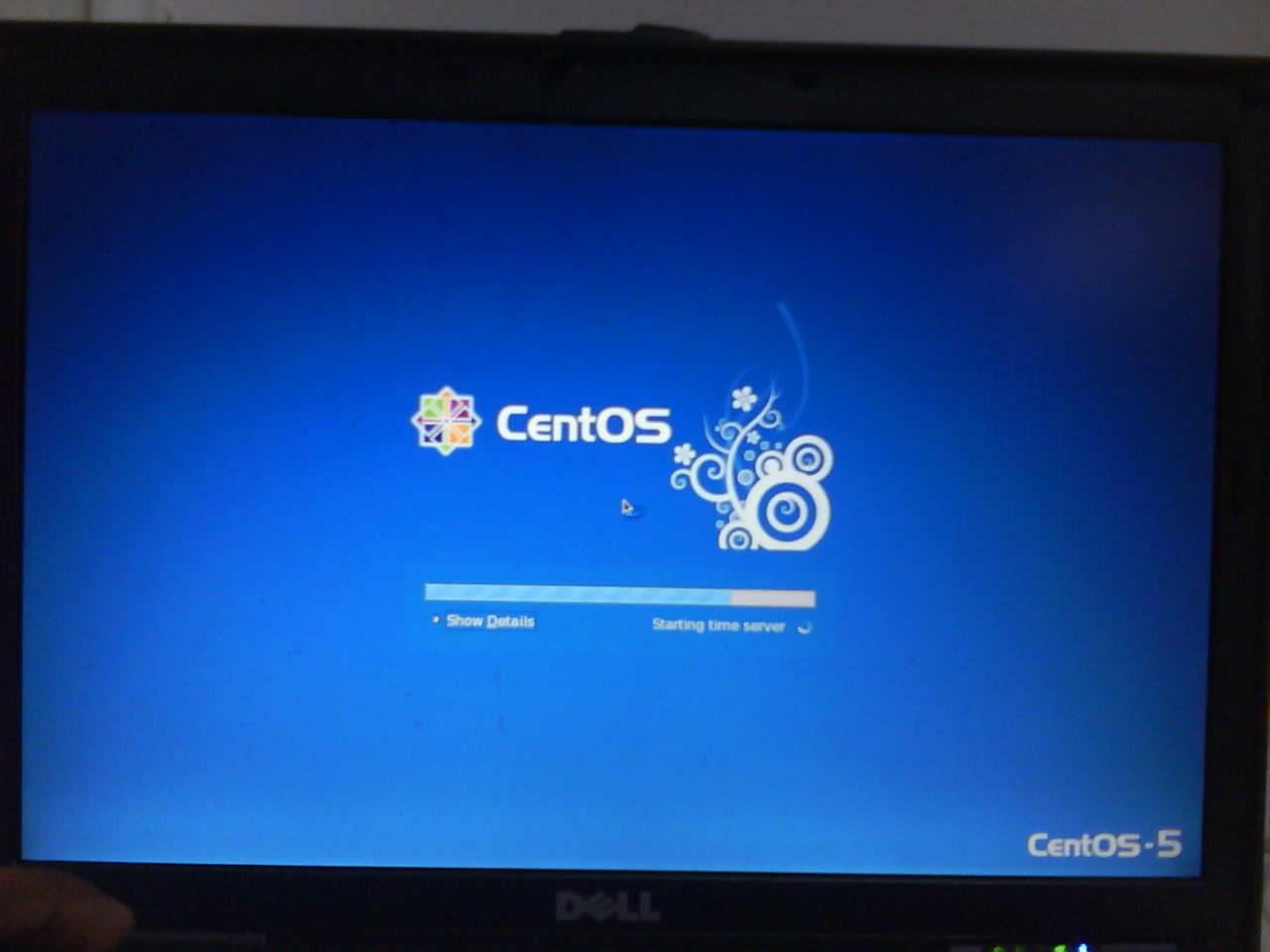
boot menu having this splash image…

splash

[ad#postad]

booting up

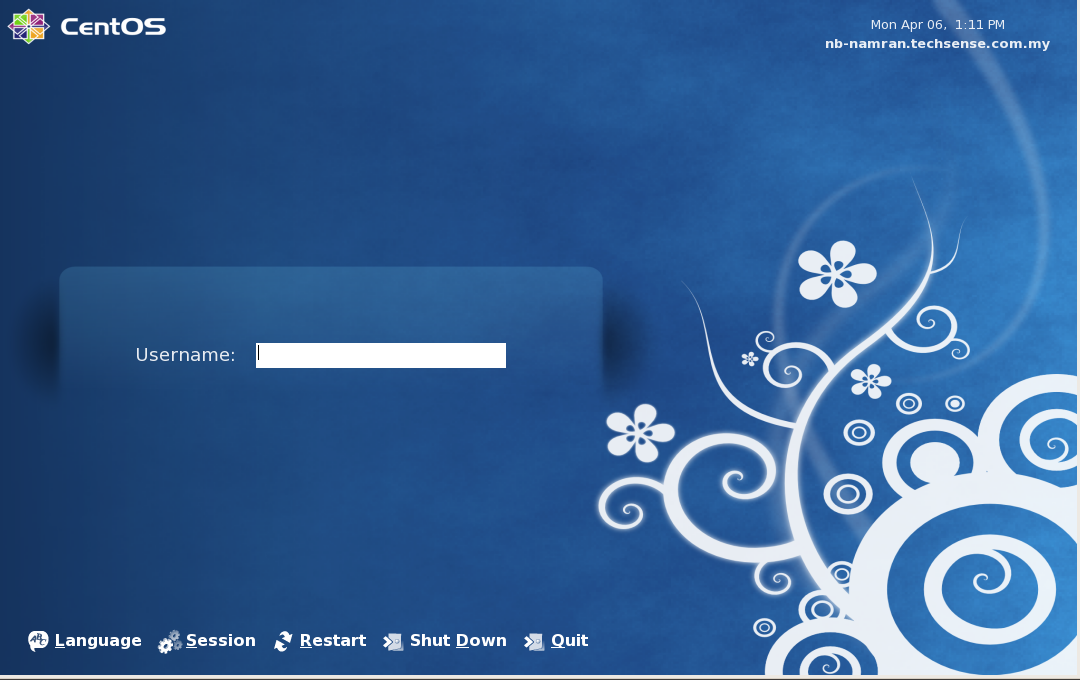
here is the login screen..
.

CentOS 5.3 login screen

CentOS 5.3 login screen


and desktop screenshot..
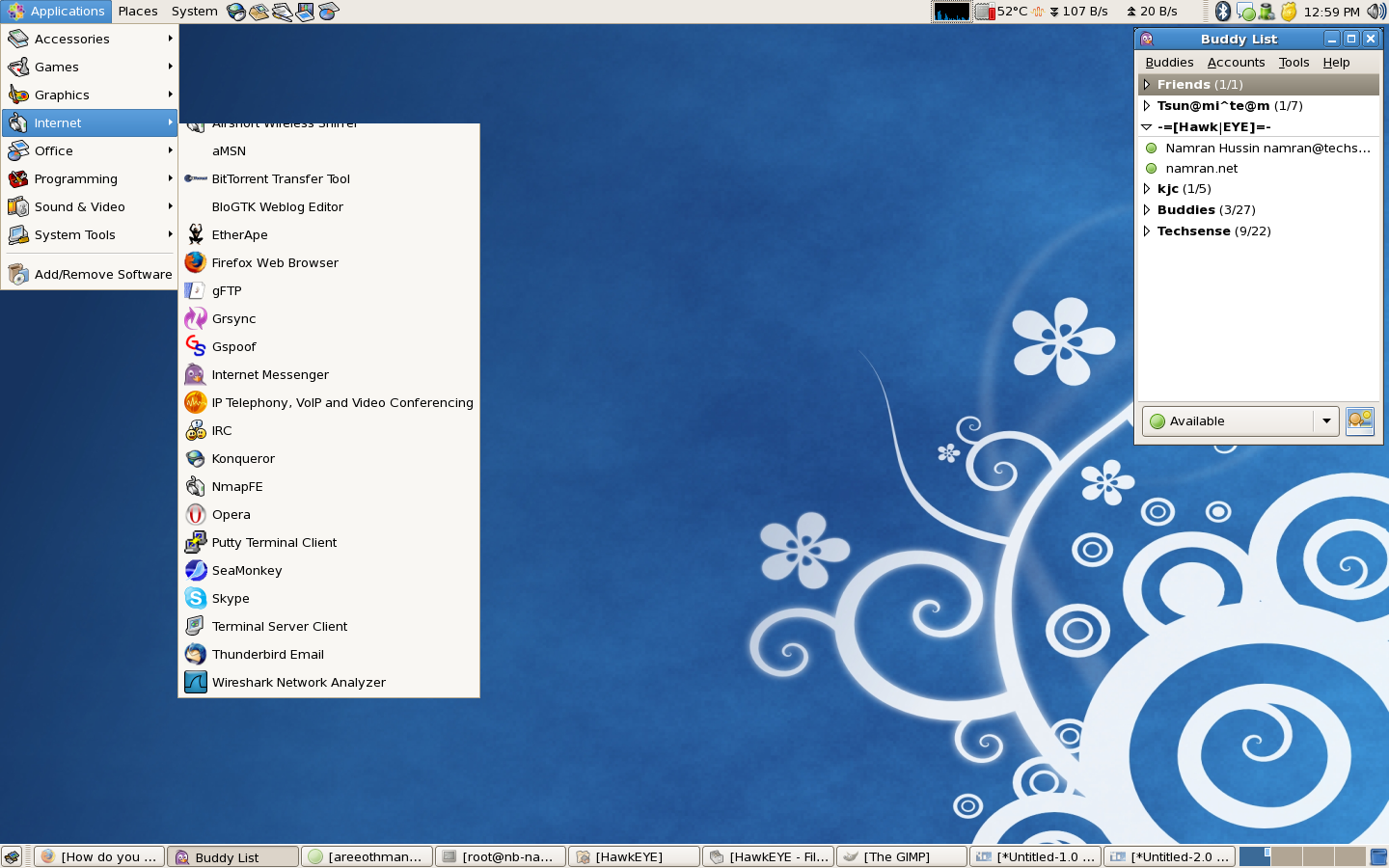
screenshot-centos53

login screen can be captured by running another GDM and X using..


gdmflexiserver -n

p/s : nice artworks.. to view it.. have to login as new user as my old user already had customized all interface. 8-)

Related Post

VSFTP in CentOS 64-bit : PAM [error: /lib/security/pam_userdb.so: wrong ELF class: ELFCLASS32]VSFTP in CentOS 64-bit : PAM [error: /lib/security/pam_userdb.so: wrong ELF class: ELFCLASS32]

After setting up the vsftp to use PAM as auth. Somehow having the following error appeared in tail -f /var/log/secure Sep 21 09:47:45 g-server vsftpd: PAM [error: /lib/security/pam_userdb.so: wrong ELF