Upgraded mine from CentOS 5.2 to CentOS 5.3.. by performing..
yum update -y --exclude openoffice.*
and reboot..
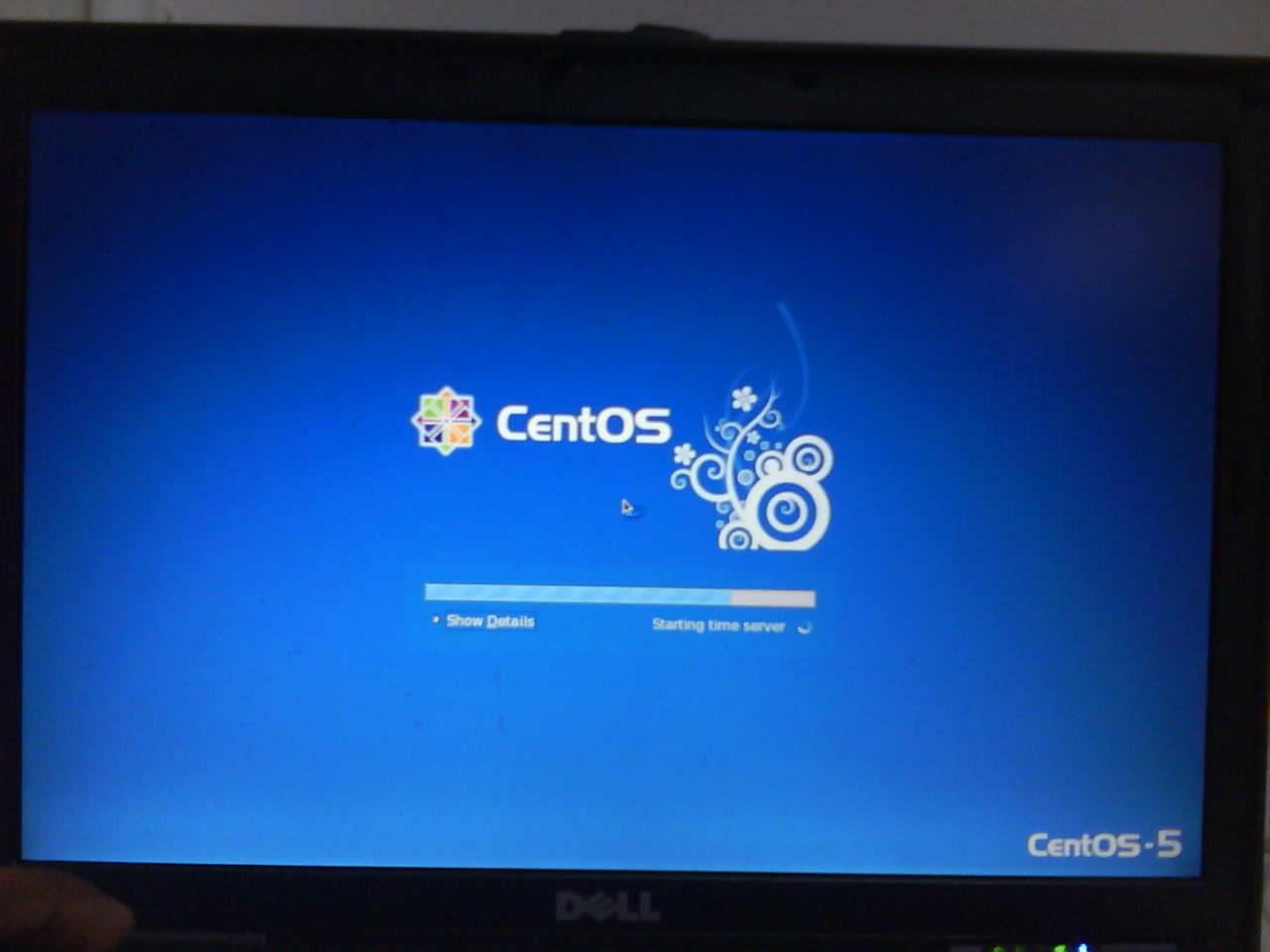
boot menu having this splash image…
[ad#postad]
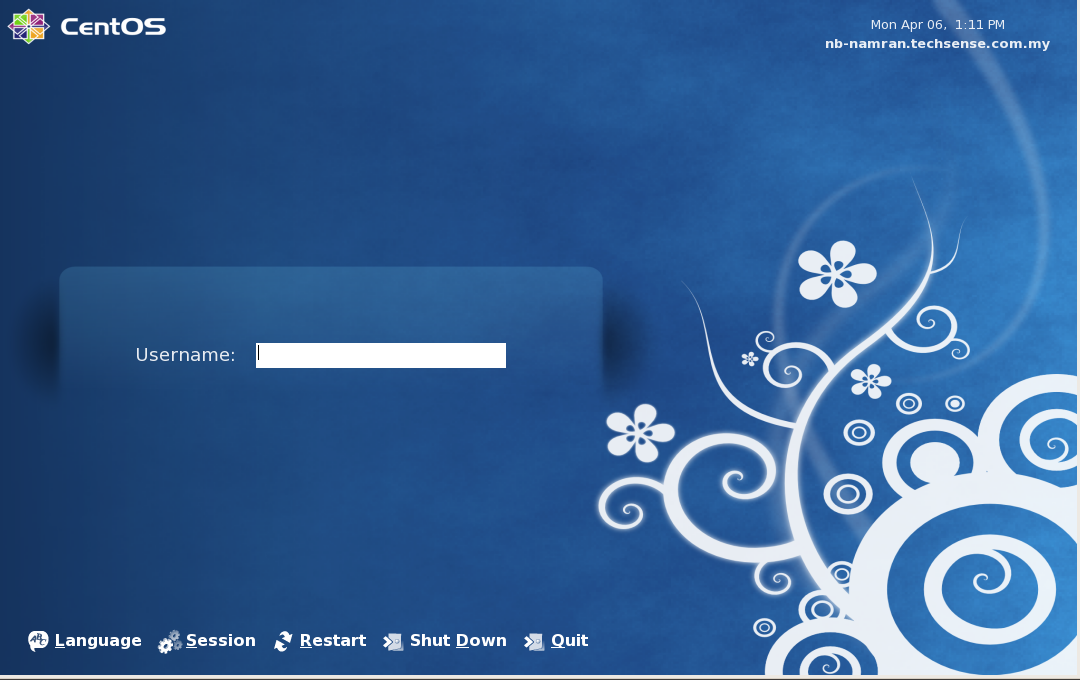
here is the login screen..
.
login screen can be captured by running another GDM and X using..
gdmflexiserver -n
p/s : nice artworks.. to view it.. have to login as new user as my old user already had customized all interface. 8-)
Here are five key communication skills that help you speak with clarity and influence: Speak…
Are you ready to unlock your full potential as a man?Discover powerful insights, real-life transformations,…
One day we will set aside one whole day to review the whole lesson we…
Last weekend, 07/12/2024 I managed to join Dev Fest Kuala Lumpur 2024, organized by Google…
TIPS BACAAN AL-QURANOleh: Dr. Muhd al-Muhaysni.1. Jangan engkau berikan (fokus membaca) al-Quran pada lebihan waktumu…
Selawat yang ringkas, yang mana apabila kamu membacanya satu kali sebanding 100 ribu kali, jadi…


Leave a Comment