refer here http://code.google.com/p/google-gadgets-for-linux/wiki/HowToBuild
I manage to make it work on CentOS 5.2
first time compile it complete smoothly .. but.
first time run it said cannot load ..
then do
yum install xulrunner-devel xulrunner-devel-unstable
re-compile..
and again try run
ggl-gtk
did’nt work.. then try.
ggl-gtk –help
then try
ggl-gtk -ns
then take a peek at /usr/local/share/google-gadgets
ggl-gtk analog-clock
… and it ask for permission to allow this to access network and bla..bla.. click yes..
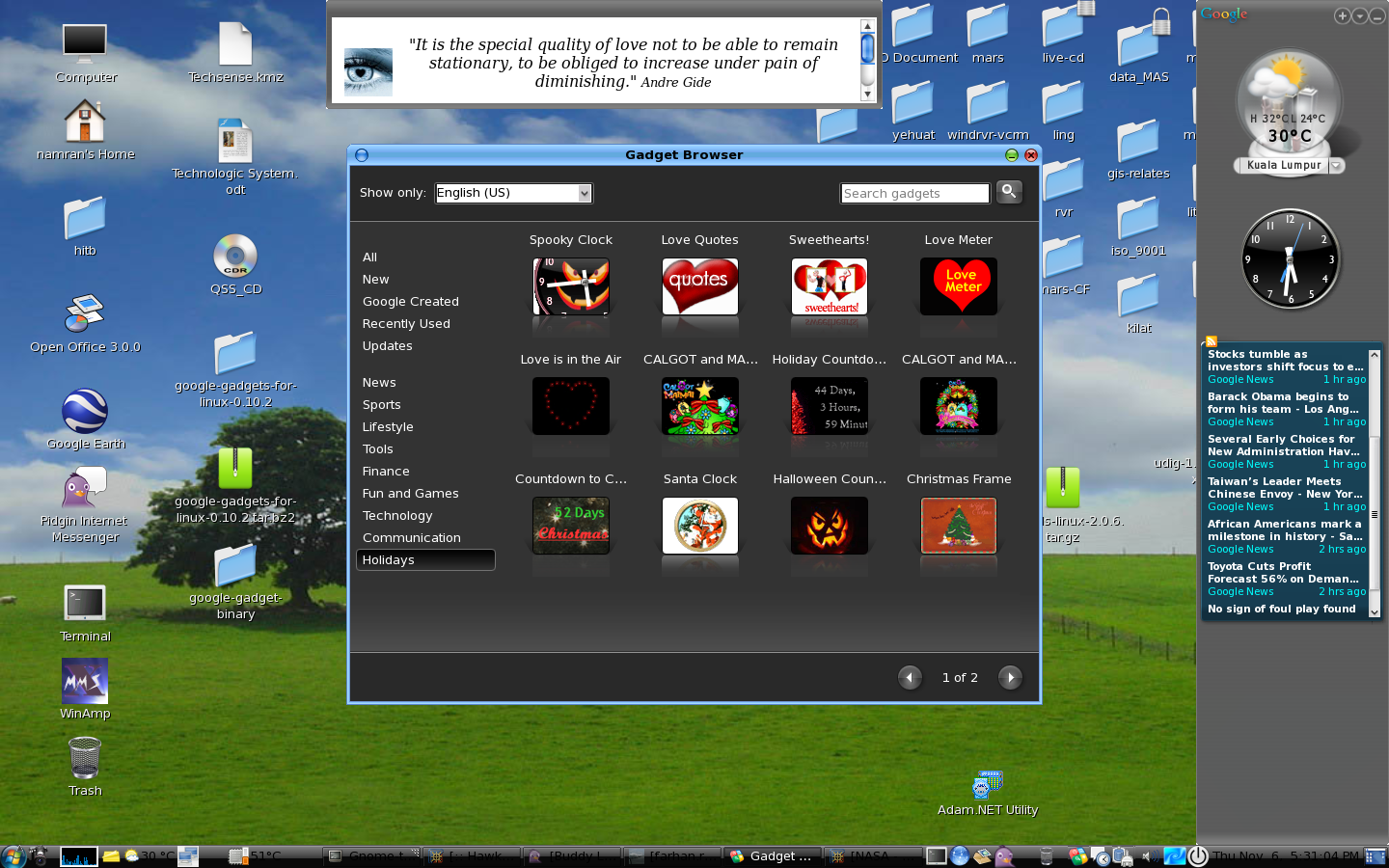
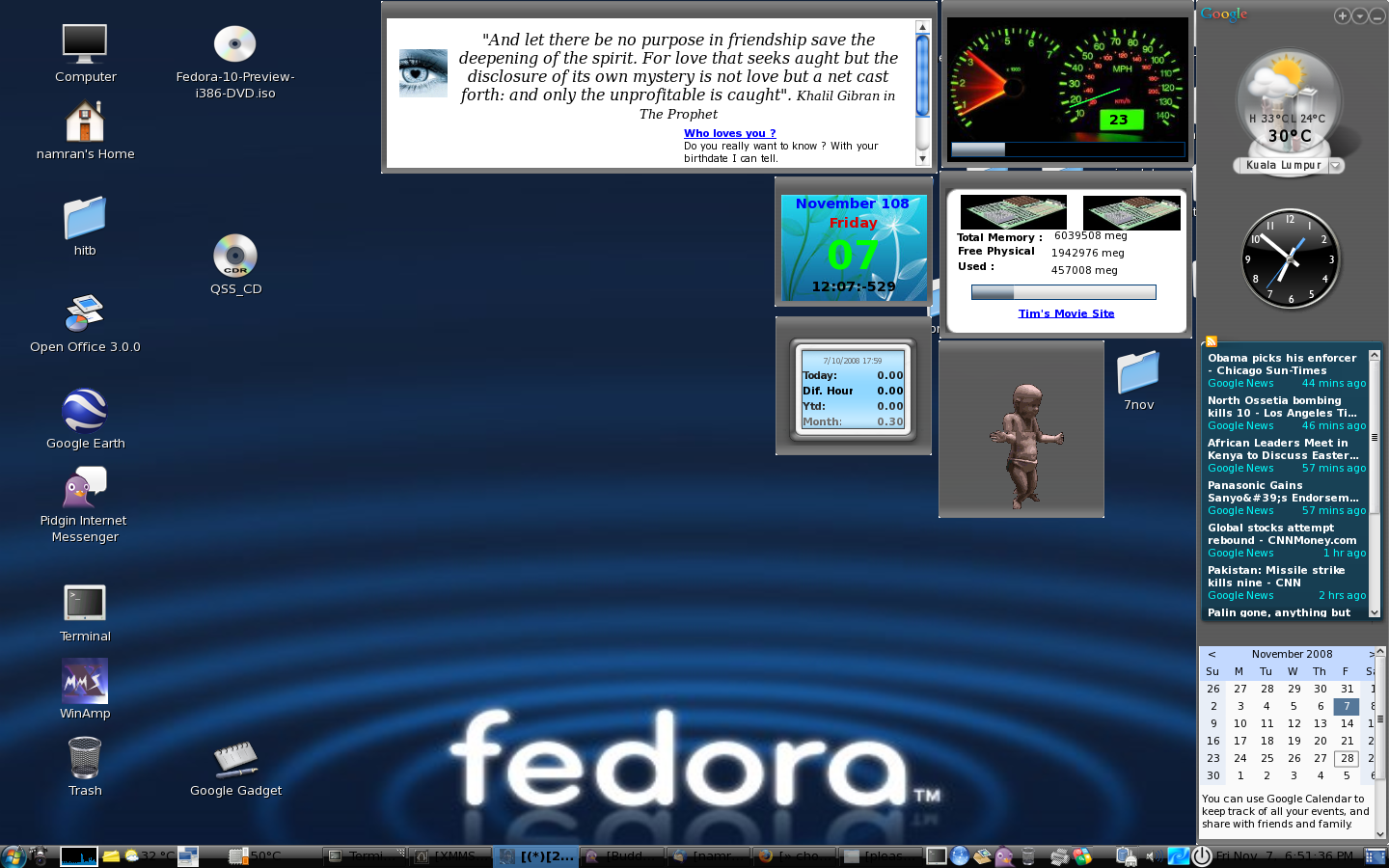
and yes.. it popup nicely.. at the sidebar..
Here are five key communication skills that help you speak with clarity and influence: Speak…
Are you ready to unlock your full potential as a man?Discover powerful insights, real-life transformations,…
One day we will set aside one whole day to review the whole lesson we…
Last weekend, 07/12/2024 I managed to join Dev Fest Kuala Lumpur 2024, organized by Google…
TIPS BACAAN AL-QURANOleh: Dr. Muhd al-Muhaysni.1. Jangan engkau berikan (fokus membaca) al-Quran pada lebihan waktumu…
Selawat yang ringkas, yang mana apabila kamu membacanya satu kali sebanding 100 ribu kali, jadi…
View Comments
uploaded the google gadget for linux(CentOS 5.2) binary only to
http://my.namran.net/repository/gg-binary.tgz
for ease of use .. add a launcher at desktop
with this parameter at command box.
/usr/local/bin/ggl-gtk >/dev/null > 2&1
select the icon .. and fill in the description..
done.
click and google gadget will appear.
using the gg-binary tar file .I am not able to install google gadgets in centos 5.2. when i run the command "ggl-gtk "it gives error as
Not a regular file: /
ggl-gtk: symbol lookup error: ggl-gtk: undefined symbol: _ZN7ggadget7SideBar26ConnectOnGoogleIconClickedEPNS_5Slot0IvEE
You have new mail in /var/spool/mail/root
i think it is because the different version of the underneath library ..
as per
http://code.google.com/p/google-gadgets-for-linux/issues/detail?id=266
better rebuild the package from the source again following above instruction..
binary tend to be useless anyway.. ;-(