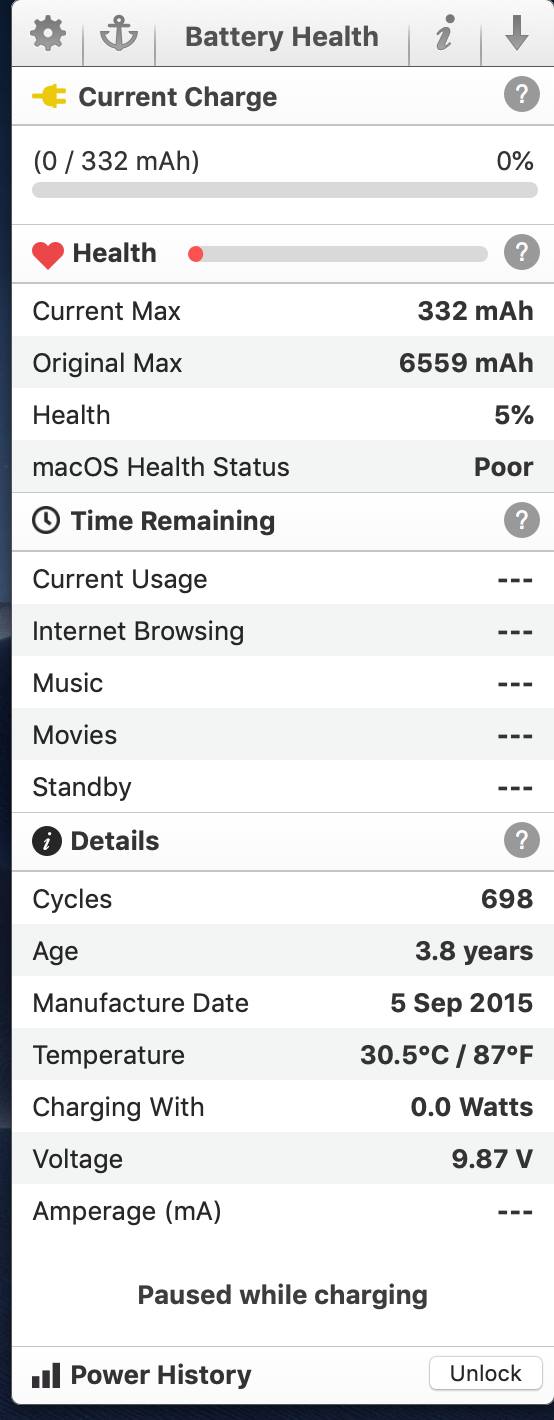
My macbook having some problem with its battery recently. And at some point it drained all the powers and I could even start it, although I connect it directly to chargers.
So, after so much try to boot it up failed.
I found the following step able to make it start again.
Firstly, my Mac notebook computers have a non-removable battery.
It maybe applied to
MacBook (Retina, 12-inch, Early 2015) and probably later.
Shut down your Mac.
Unplug the MagSafe or USB-C power adapter from your computer.
Using the built-in keyboard, press Shift-Control-Option on the left side of the keyboard, then press the power button at the same time. Hold these keys and the power button for 10 seconds.
Release all keys.
Reconnect the power adapter.
Press the power button again to turn on your Mac.
You will hear the chime when it successfully able to boot up.
Goodluck.
Here are five key communication skills that help you speak with clarity and influence: Speak…
Are you ready to unlock your full potential as a man?Discover powerful insights, real-life transformations,…
One day we will set aside one whole day to review the whole lesson we…
Last weekend, 07/12/2024 I managed to join Dev Fest Kuala Lumpur 2024, organized by Google…
TIPS BACAAN AL-QURANOleh: Dr. Muhd al-Muhaysni.1. Jangan engkau berikan (fokus membaca) al-Quran pada lebihan waktumu…
Selawat yang ringkas, yang mana apabila kamu membacanya satu kali sebanding 100 ribu kali, jadi…

Leave a Comment