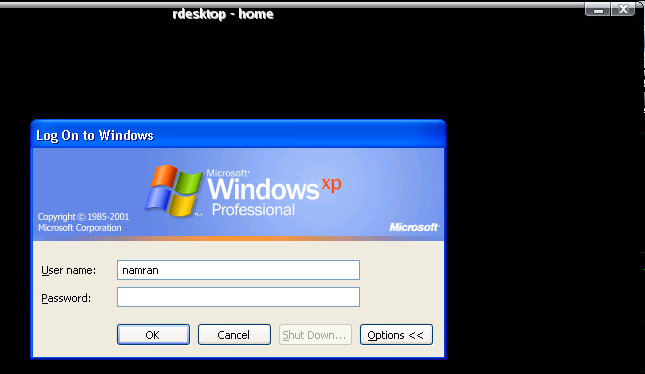
Sometime we may want to access to window based remote desktop
while we are on linux.
to do that.. either we use VNC.. or RDP ( Remote Desktop Protocol)..
to do that..
you may need to run Ultra VNC on windows XP machine..
and from linux..
just vncviewer host:port
vncviewer 172.0.0.1:5900
others..
use RDP instead..
enable remote Desktop access in Window machine..
and in linux..
su –
yum install rdesktop -y
exit..
rdesktop host -5 -f -r sound:local -z
you will full screen of window dislay with -f flag..
to back to normal linux desktop.. press.
Ctrl+Alt+Enter.
hehe..