
Let’s say you have some server running around the world.
I bet most of it doesn’t really need an GUI to be running all the time.
The least you may need is only a terminal access to it.
Which is sufficient if it is running at runlevel 3.
Here is how you can specify the default runlevel on the CentOS server.
It may save some resource during runtime.
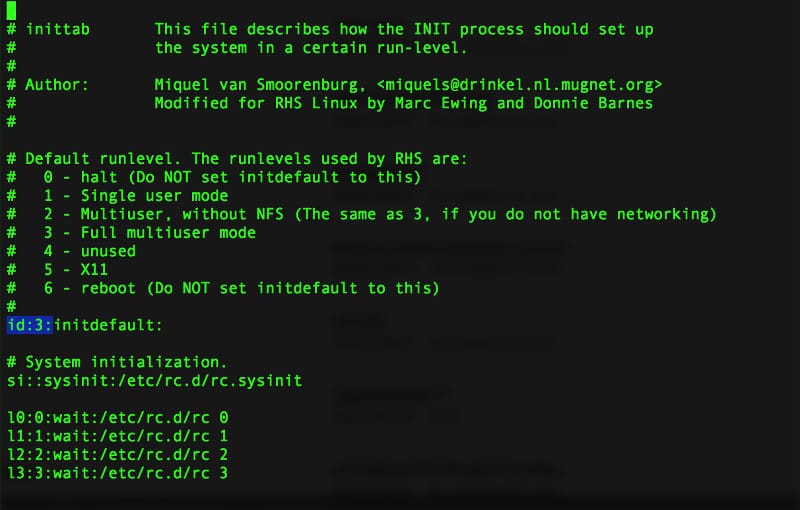
In CentOS default runlevel can be set by editing /etc/inittab
The list of runlevel is as below:
# Default runlevel. The runlevels used by RHS are:
#   0 - halt (Do NOT set initdefault to this)
#   1 - Single user mode
#   2 - Multiuser, without NFS (The same as 3, if you do not have networking)
#   3 - Full multiuser mode
#   4 - unused
#   5 - X11
#   6 - reboot (Do NOT set initdefault to this)
#
id:3:initdefault:
Just ensure not to set it to runlevel 6 or 0. Otherwise it would be in rebooting or just halt endlessly.
Once done editing.
kill -HUP 1
that’s it.
