Not much.. just bought a printer (Canon MP198) today..
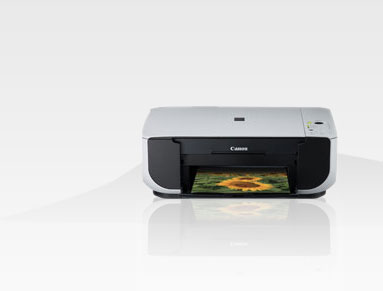
just download the necessary rpm file from canon website here.
there are 4 files as below :
For printer..
1. cnijfilter-common-3.00-1.i386.rpm
2. cnijfilter-mp190series-3.00-1.i386.rpm
I believe this this two is for scanner..
3. scangearmp-common-1.20-1.i386.rpm
4. scangearmp-mp190series-1.20-1.i386.rpm
after got that rpm files..
just :
rpm -ivh cnijfilter-common-3.00-1.i386.rpm
rpm -ivh cnijfilter-mp190series-3.00-1.i386.rpm
after that need to restart cups daemon
/etc/init.d/cups restart
then.. from the terminal run :
su -
system-config-printer
time to add new printer..
1. set to USB port..

2. Select MP190 series.. from the menu..

3. Done.. Creating.
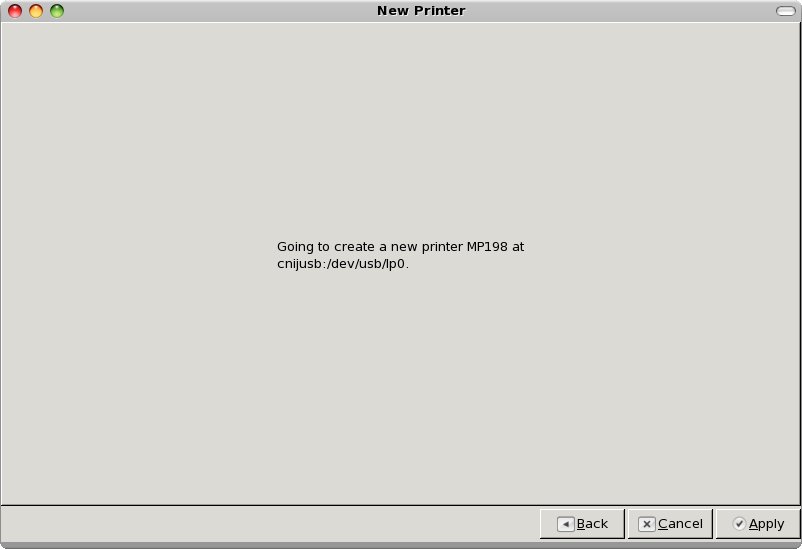
after that it prompt to do a “Print Test page”.
.. time to get the printer doing its jobs.. “start printing.. ”
p/s : .. to print a document in Acrobat Reader using this printer.. need to View->Rotate .. then only start printing..
“Landscape” printing option seem not to rotate it though….
bagaimana cara merestar printer canon mp 198 yang tidak bekerja lagi